
Signing In

Note
This topic describes the process for signing in via Command 360 IdP.
To sign in to Command 360:
Ensure all system security requirements, such as connection to VPN, are online and operational.
Open a browser and enter the system URL created during installation for the Command 360 environment.
Enter username and password credentials.
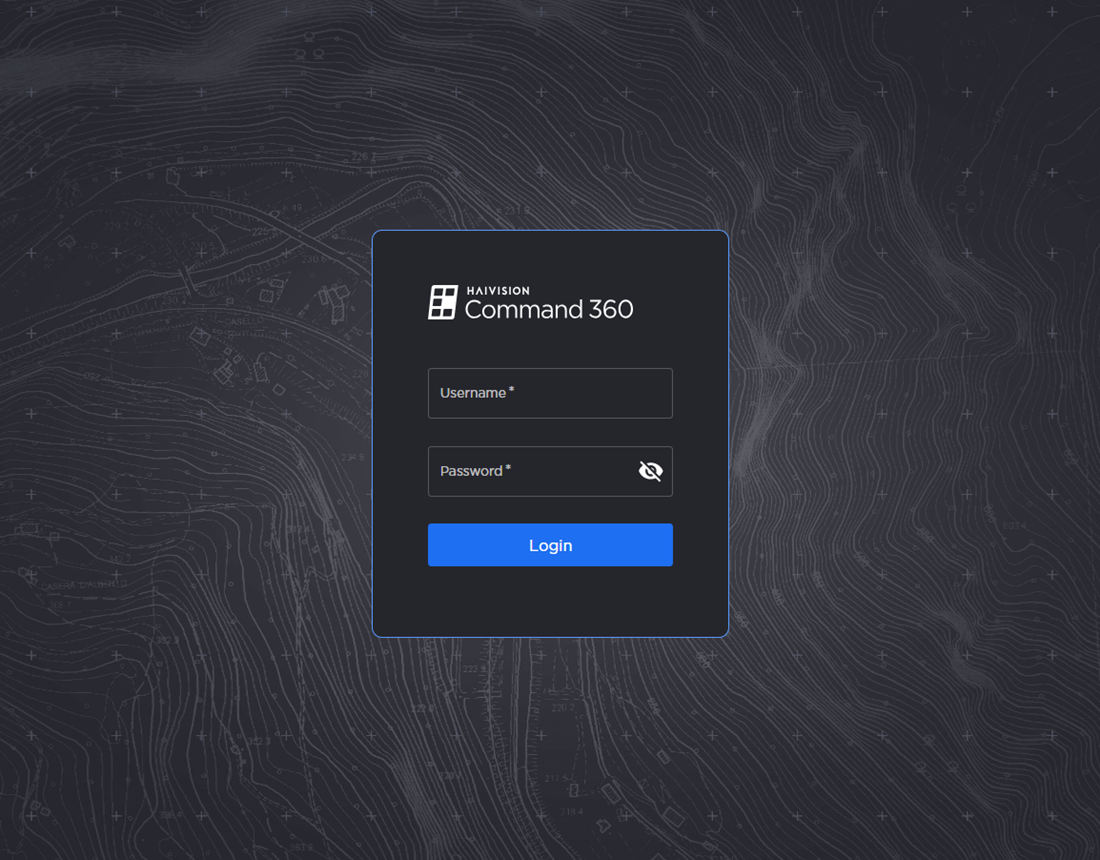
Site Login Screen
Click Login.
The Room Select page appears upon successful login.