
Setting the Bootstrapper to Automatic (Delayed Start)
After installing the new driver and rebooting, set HaivisionBootstrapper to automatic (delayed) start and reboot once more.
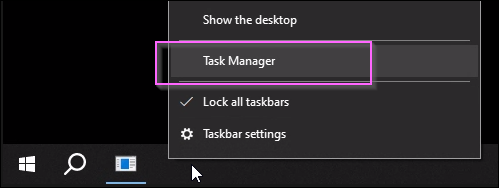
Open Task Manager.
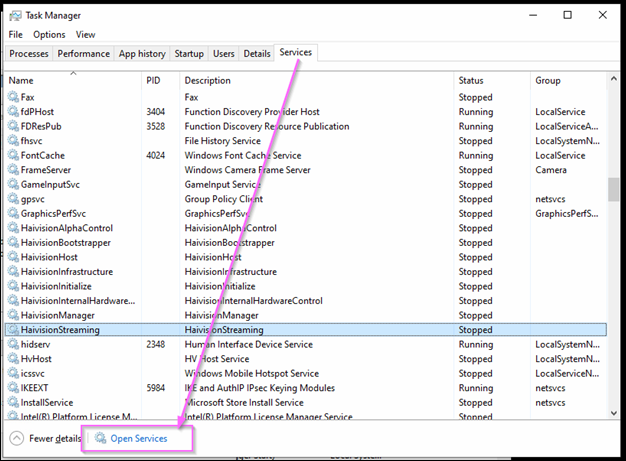
Click the Services tab.
Click Open Services.
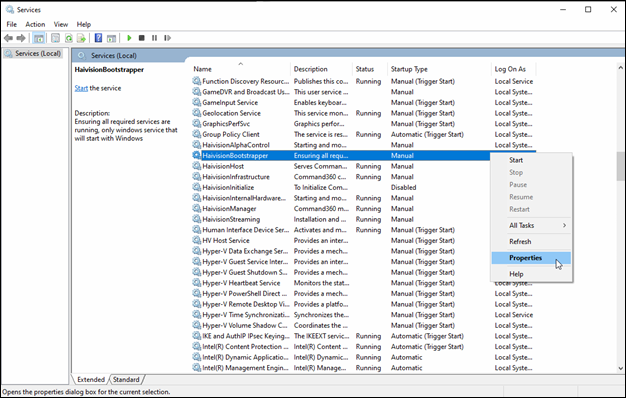
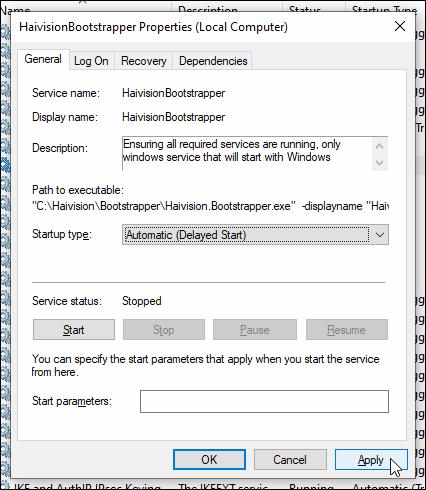
Right click HaivisionBootstrapper and select Properties.
On the General tab, click the Startup type drop-down and select Automatic (Delayed Start).
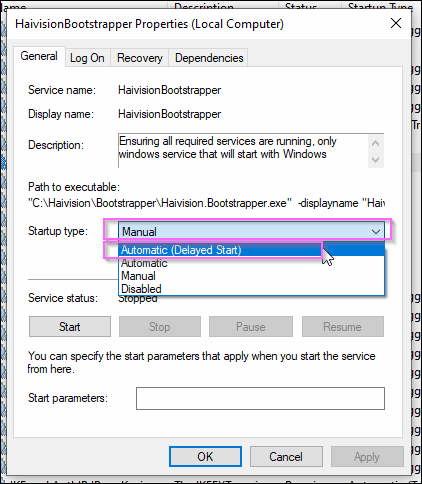
Click Apply, then OK.
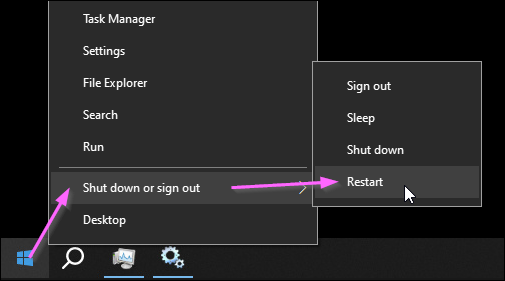
Restart the system.
This concludes the driver installation and firmware update.