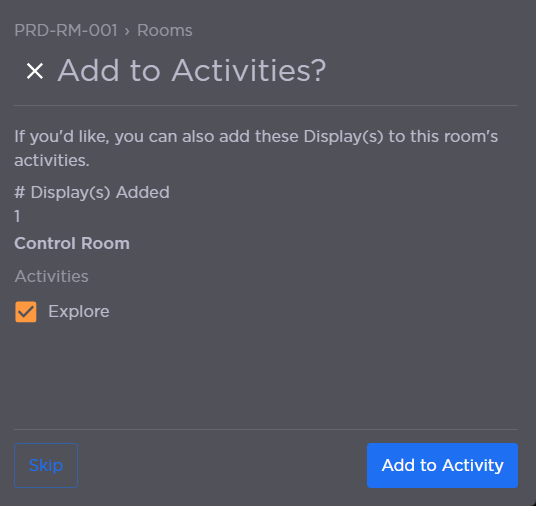
Room Display
To add a display to a Room:
Click the user account icon in the top right and select Admin.
On the side menu, click Rooms.
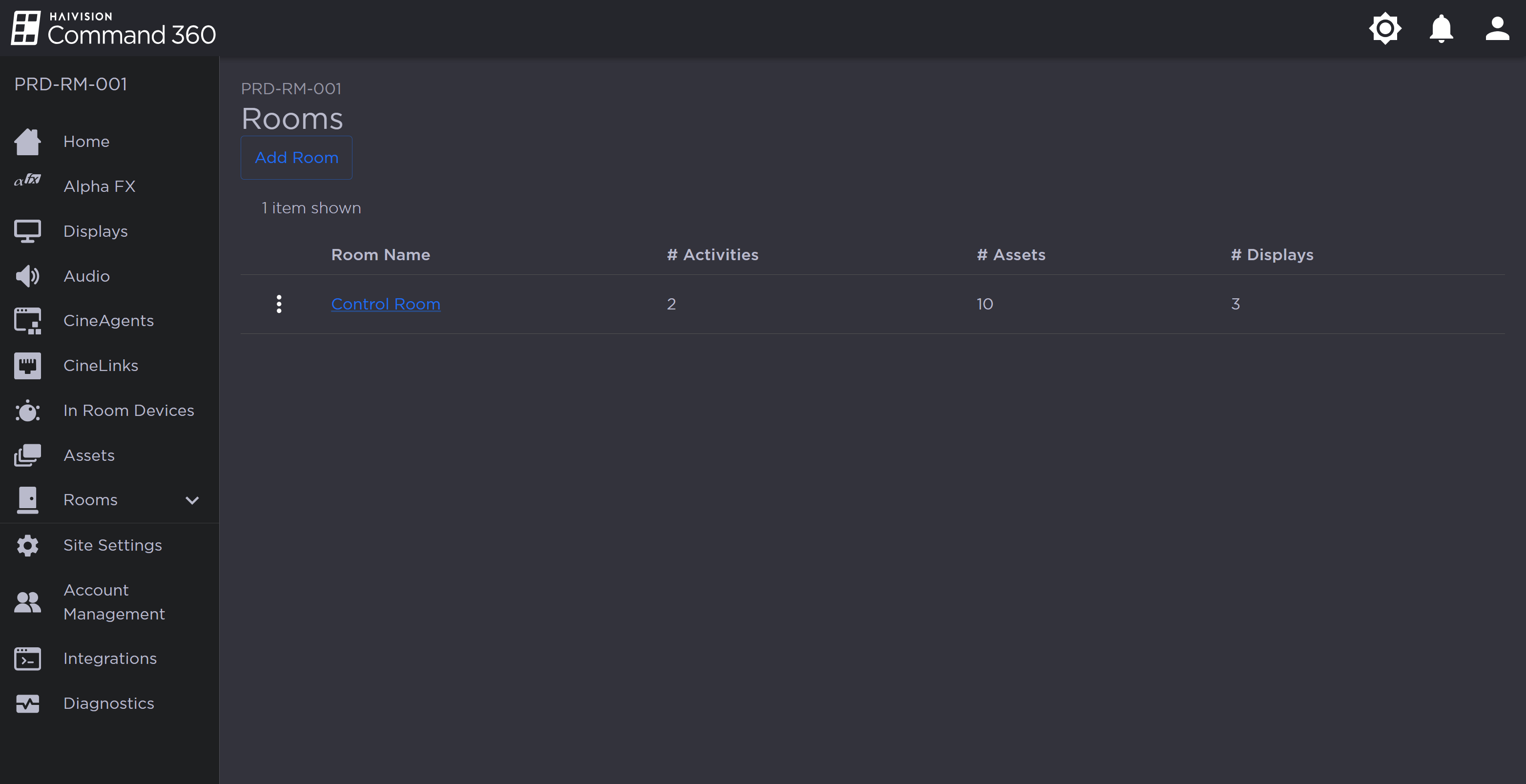
Rooms Page
Click a Room name from the summary table or on the side menu.
Under Resources, click the
 icon on the Displays resource. The Manage Displays panel opens on the right.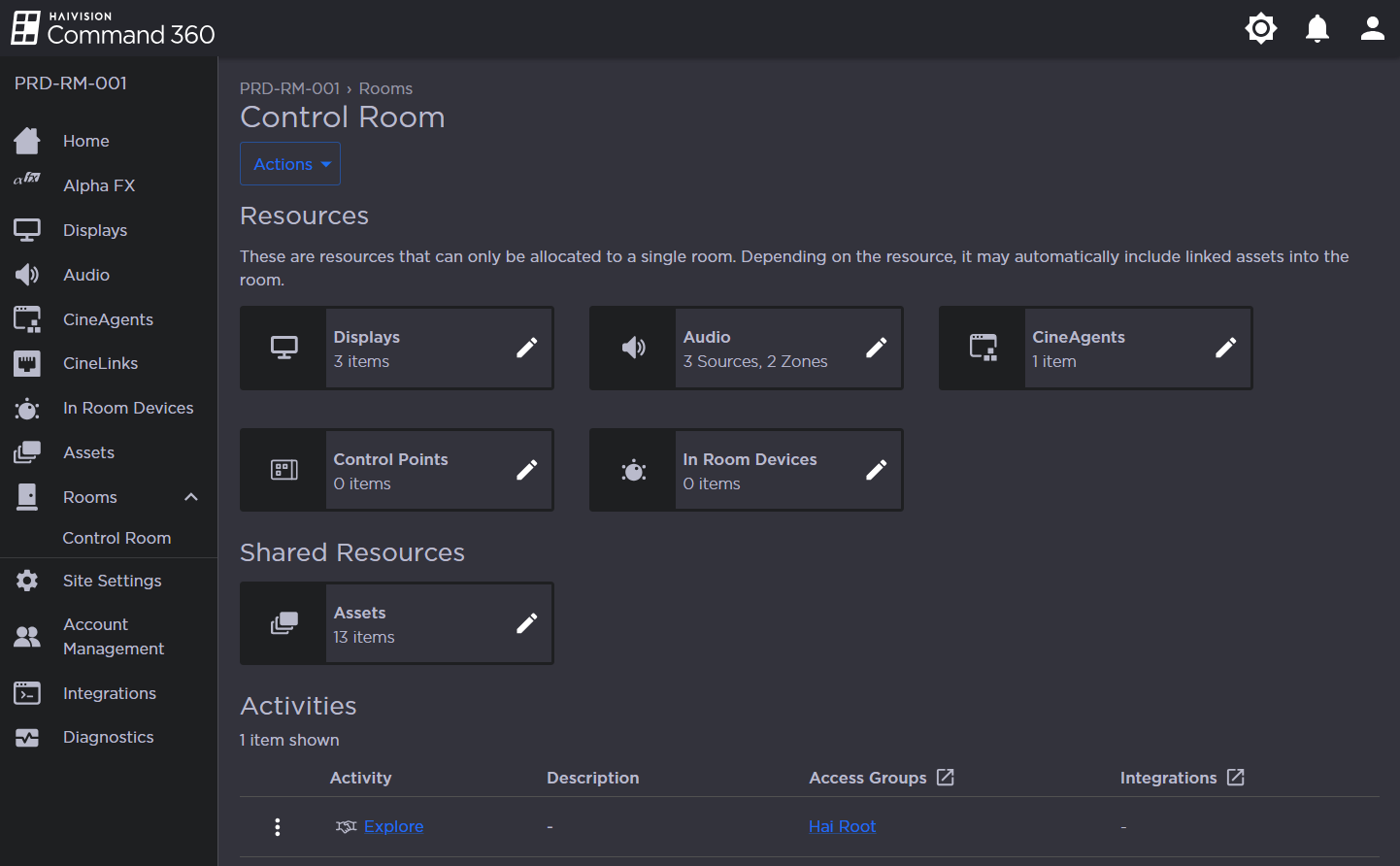
Under the Not in Room column, click the checkbox next to the display you wish to add.
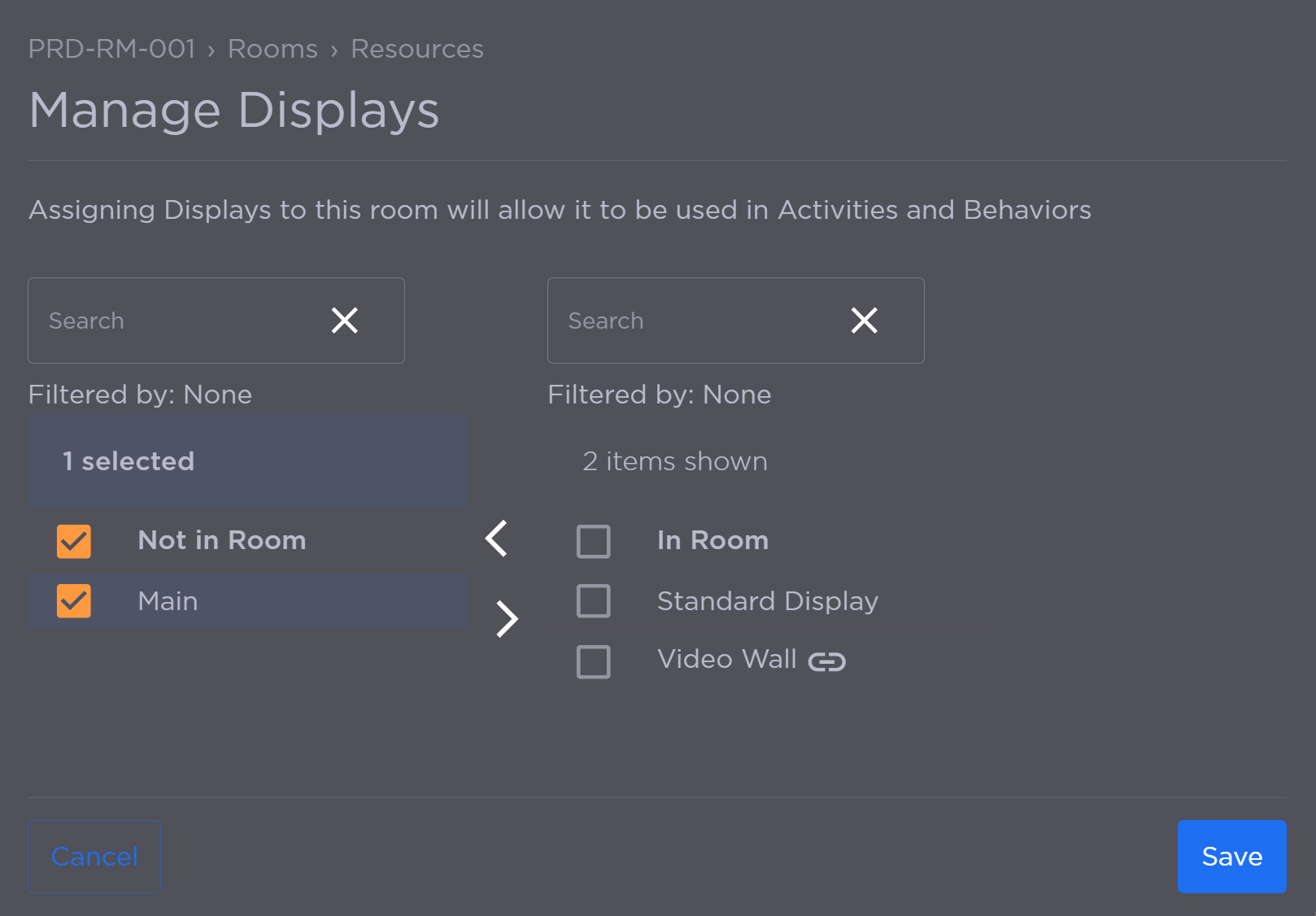
Manage Displays Panel
Click the
 icon to add the display(s) to the In Room column.
Click Save.
If Activities exist and are already associated with the room, the option appears to add the display to an Activity. If desired, check the box for the Activity and click Add to Activity. Otherwise, click Skip.