
Releasing a CineLink

Note
Before continuing, please note:
When releasing a CineLink from the environment, all references to it are removed (including Behaviors and Activities).
Command 360 will attempt a factory reset of the device. In the event Command 360 is unable to, the CineLink will have to be physically reset before it can be used again.
It can take up to a minute to release an offline CineLink.
To release a CineLink:
Click the user icon in the top right corner and select Admin.
On the side menu, click CineLinks.
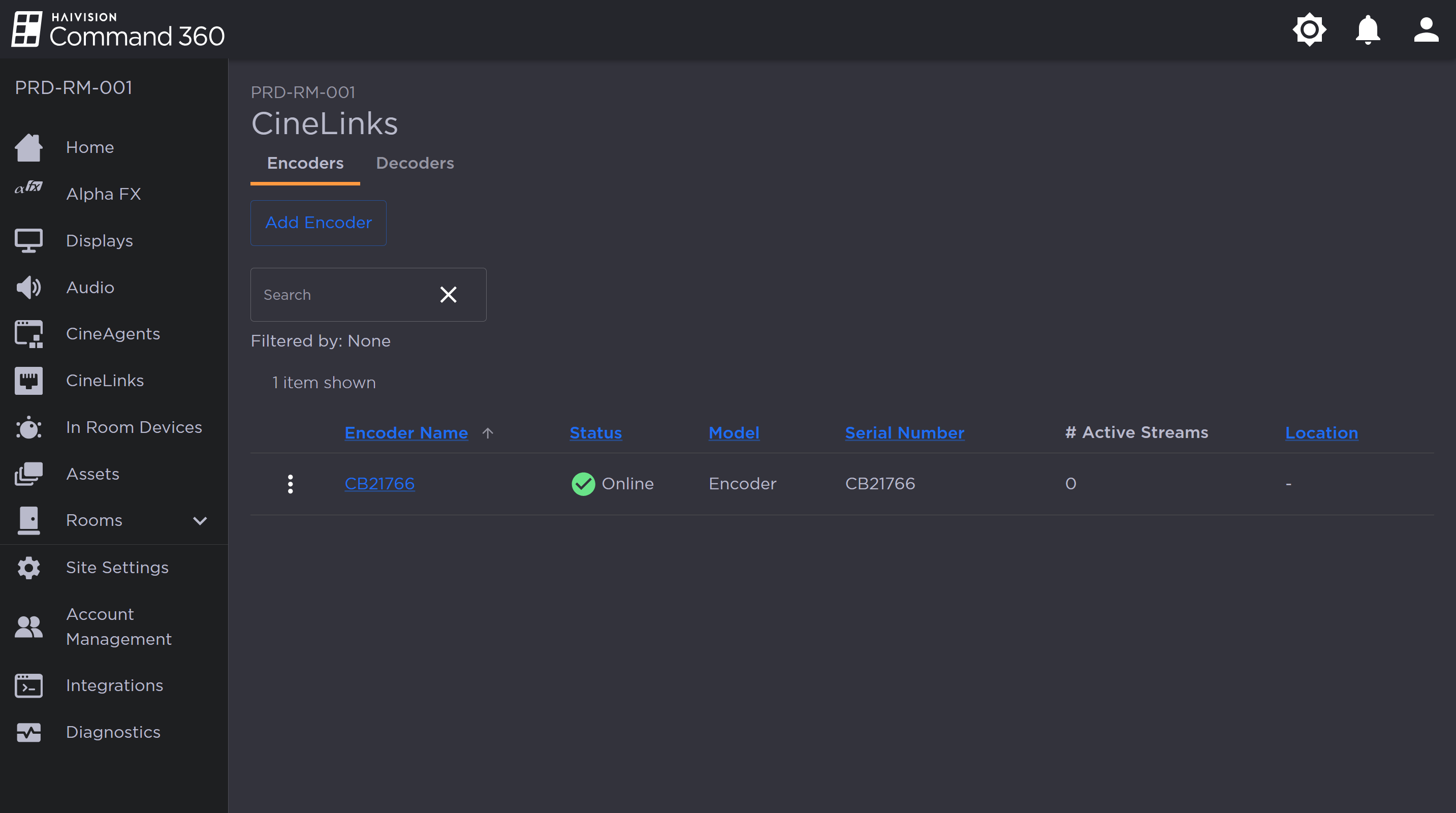
CineLinks Management Page
Click the
 icon to the left of the device name in the summary list and select Release CineLink.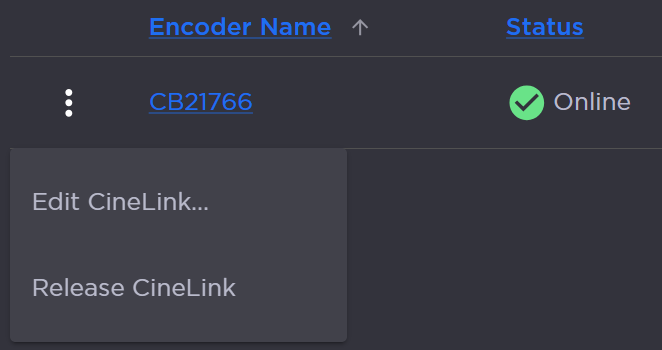
A prompt appears advising the effect releasing the CineLink will have on the Command 360 environment: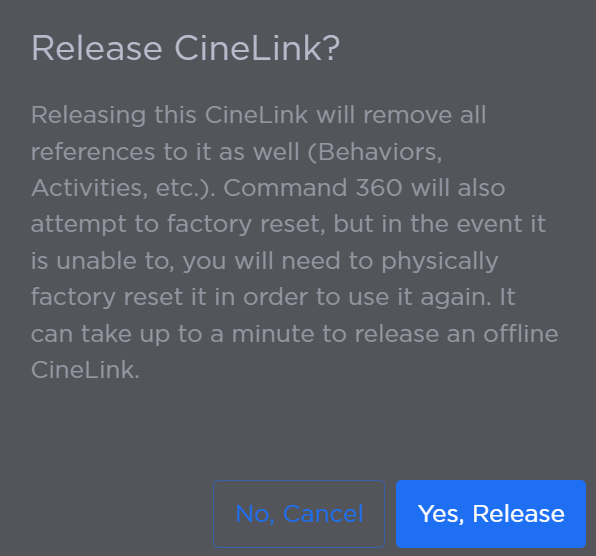
CineLink Release Confirmation Prompt
Ensure any impact to operations can be anticipated and mitigated. If the results of releasing the device pose no threat to operations, click Yes, Release.