
Message
A Message asset is a text-based message meant to be shared on a display.
To create a message asset:
Click the user icon in the top right and select Admin.
On the side menu, click Assets.
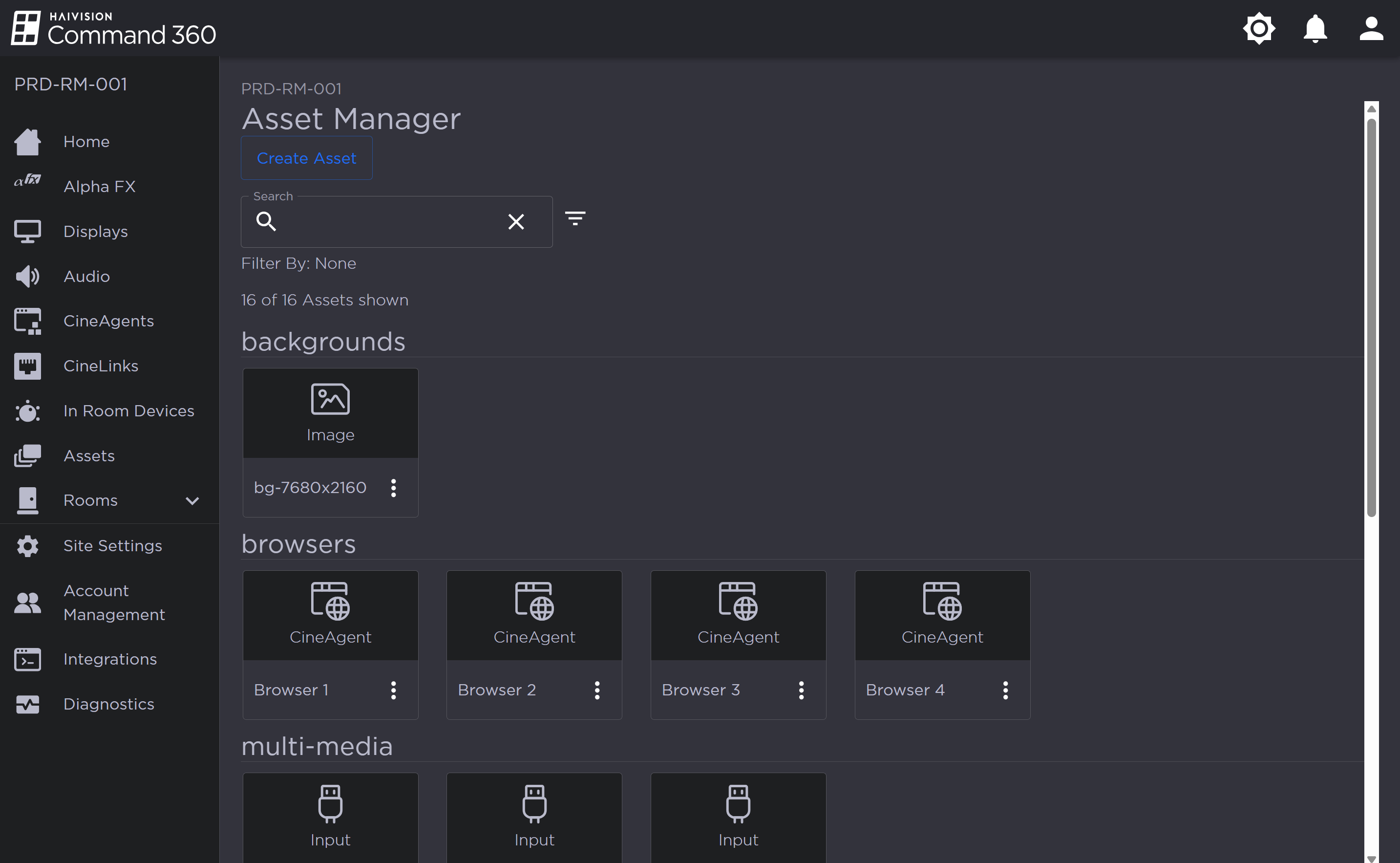
Asset Manager Page
Click the Create Asset button.
Select Message and click Next.
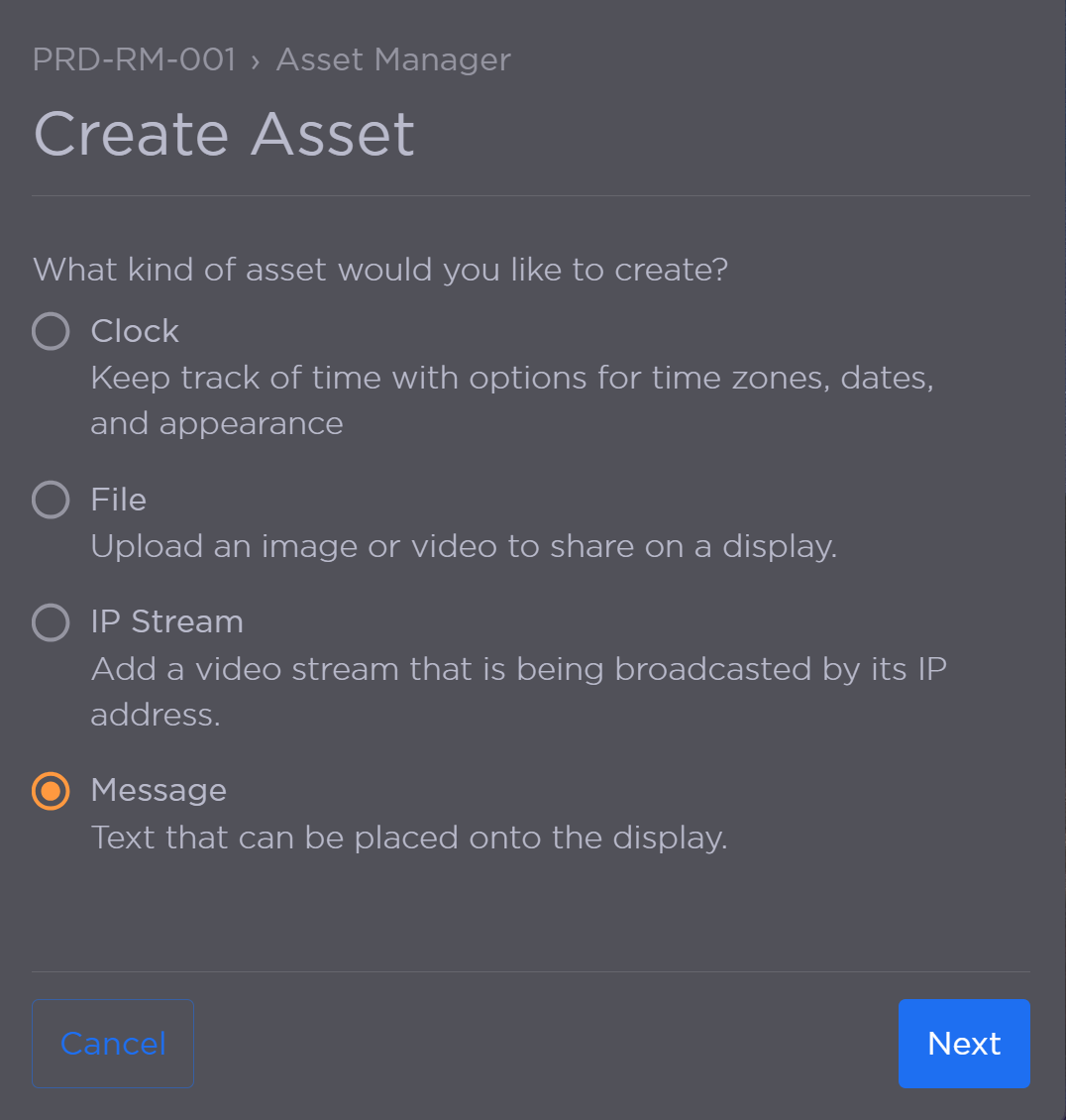
Create Asset Panel with Message Selected
Complete the following:
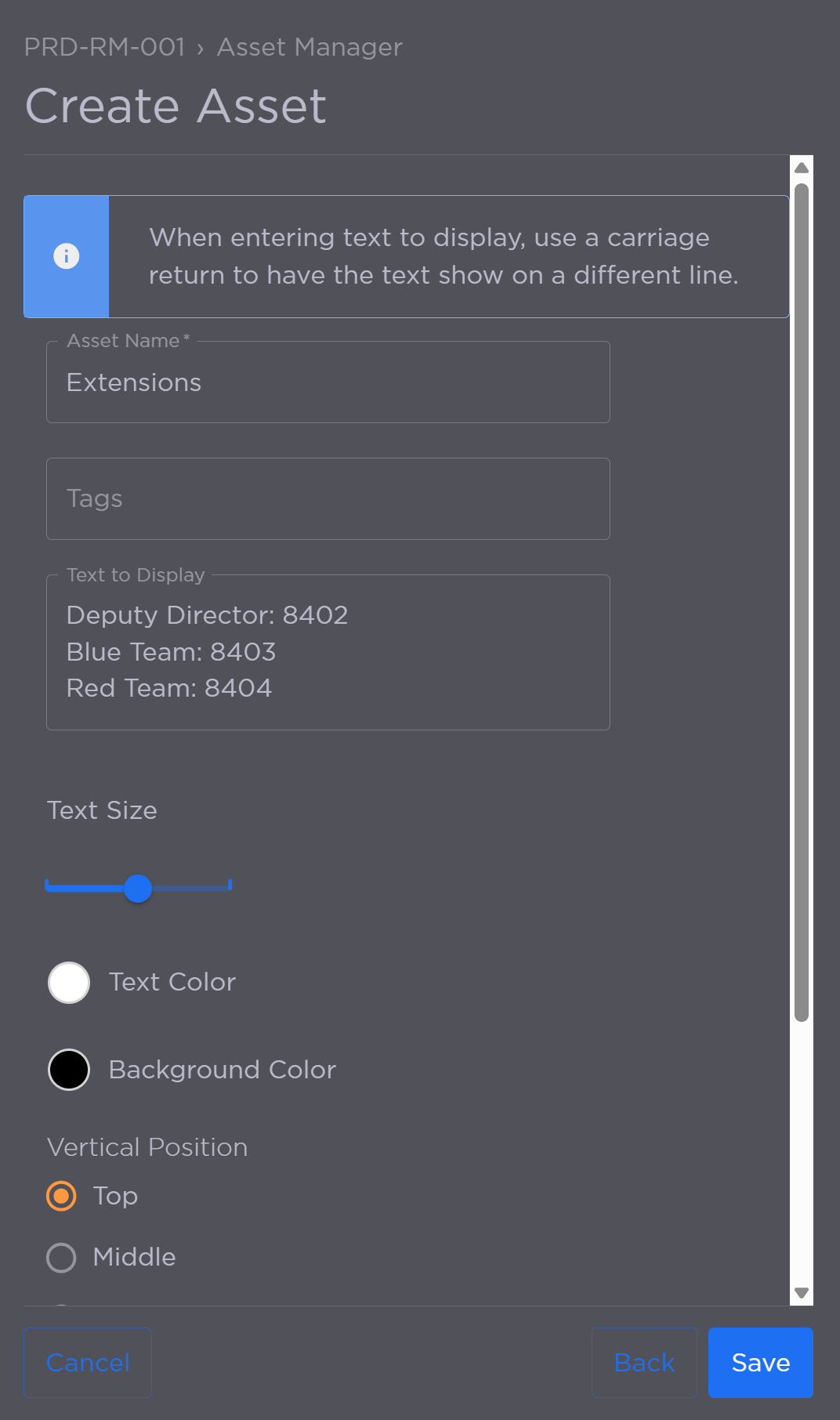
Enter a unique Asset Name.
(Optional) Add Tags.
Enter Text to Display. Use a carriage return to create line breaks.
Use the Text Size slide to adjust size.
Choose a Text Color.
Choose a Background Color.
Choose the Vertical and Horizontal Positions of text placement.
Click Save when finished.
The new asset is added to the Asset Manager. If tags were added, the asset is replicated under each tagged category. Untagged assets appear under the Not Tagged category.