
Editing the Canvas
After completing setup of an Alpha FX, certain canvas settings can be edited without resetting the video card.

Important
Disconnect video outputs before performing this task.
To edit the canvas:
Click the user icon in the top right and select Admin.
On the side menu, click Alpha FX.
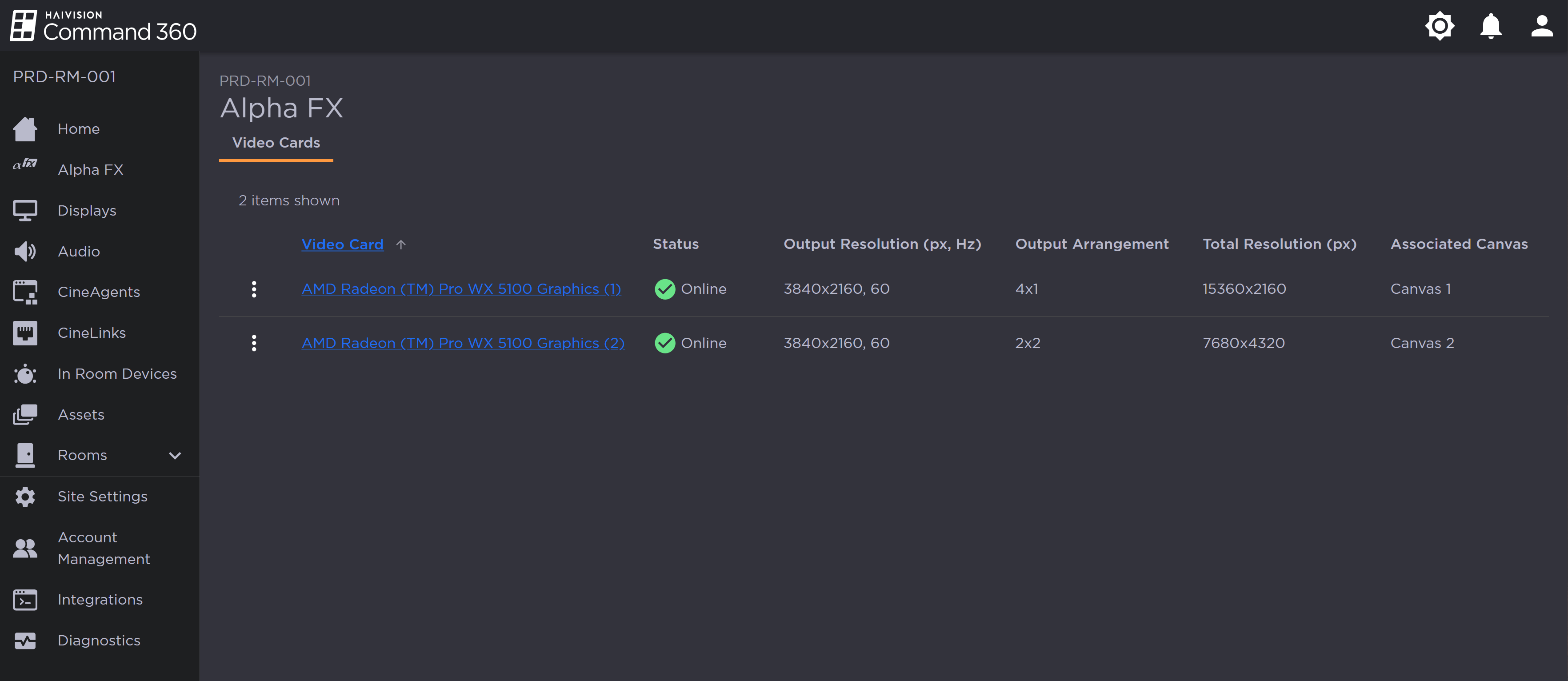
Alpha FX Page with 2 Video Cards
On a video card listing with the status Online, click the
 icon immediately to the left of the video card label.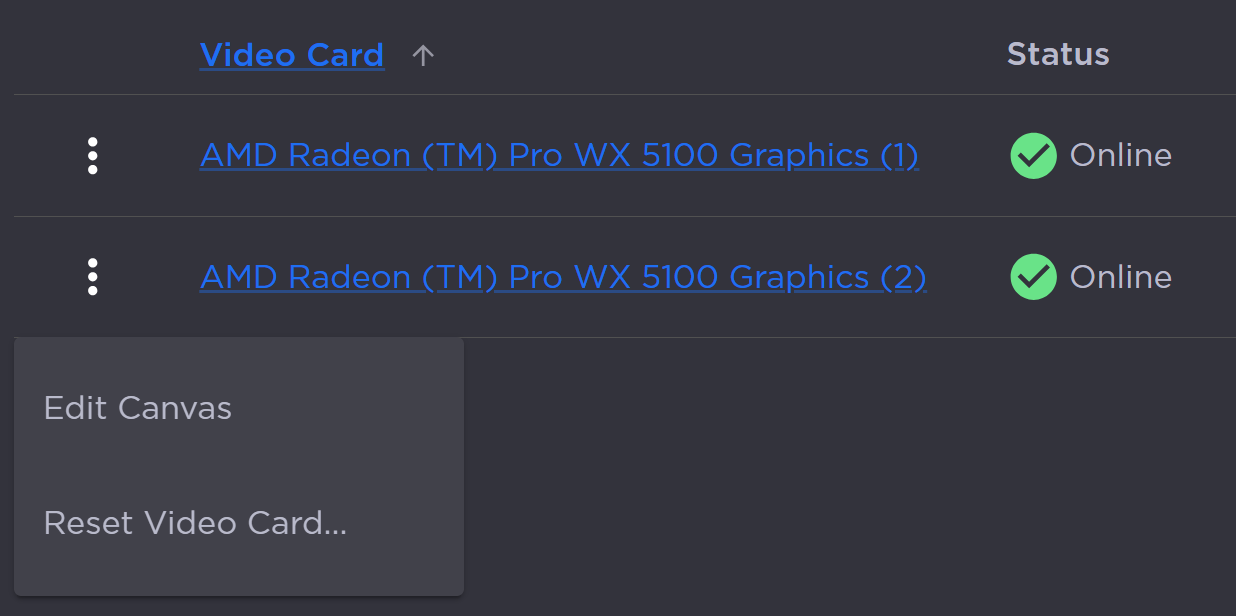
Video Card Options
Click Edit Canvas in the subsequent pop-up menu. A side panel opens:
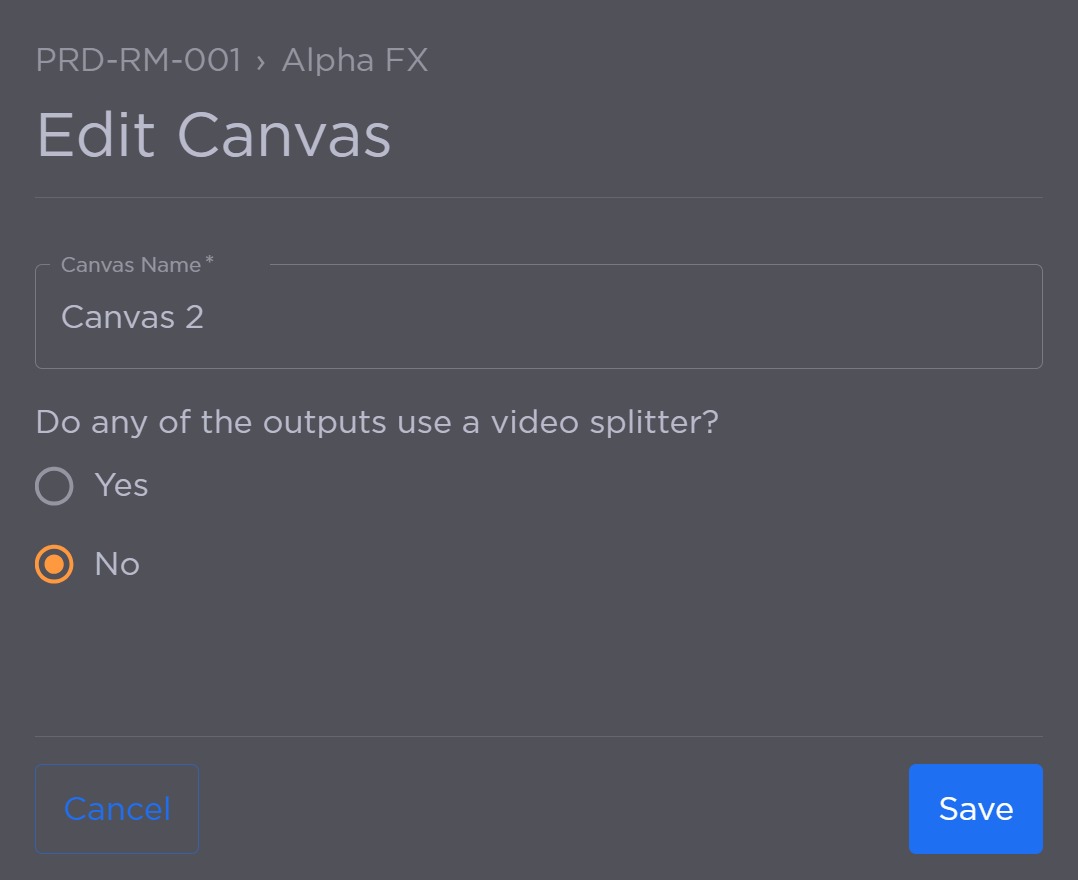
Edit Canvas Options
From here, you can:Edit the Canvas Name.
Select whether or not any of the video card outputs use a video splitter.
When finished, click Save.