
Editing Integration Profiles
To edit an integration profile:
Click the user icon in the top right and select Admin.
On the side menu, click Site Settings.
Click the Integration Profiles tab.
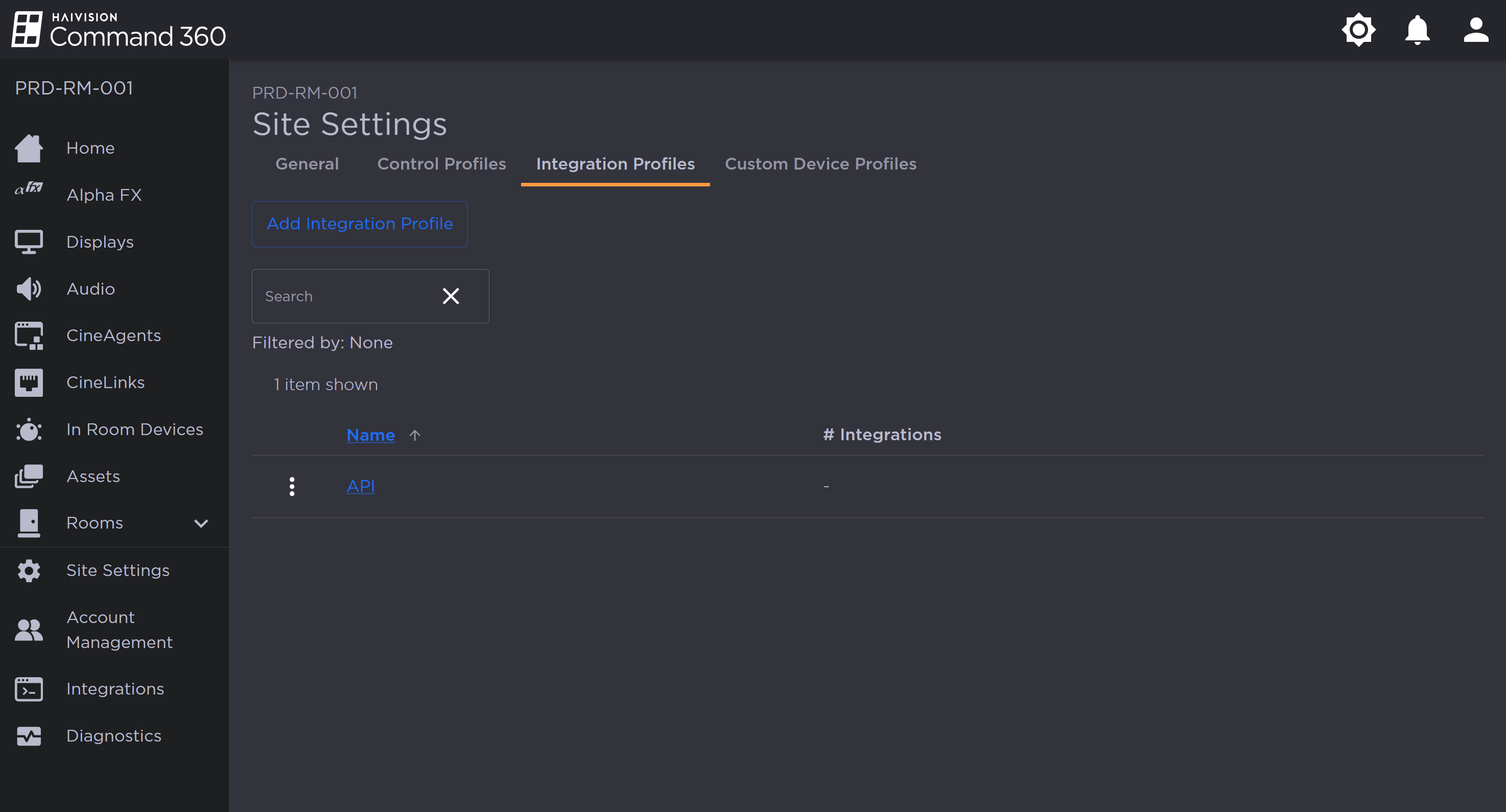
Integration Profiles Tab on the Site Settings Page
Click the
 icon to the left of a profile name.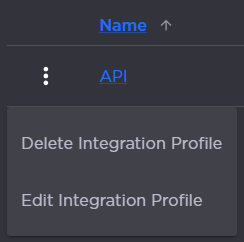
Integration Profile Options
Select Edit Integration Profile. A panel opens on the right:
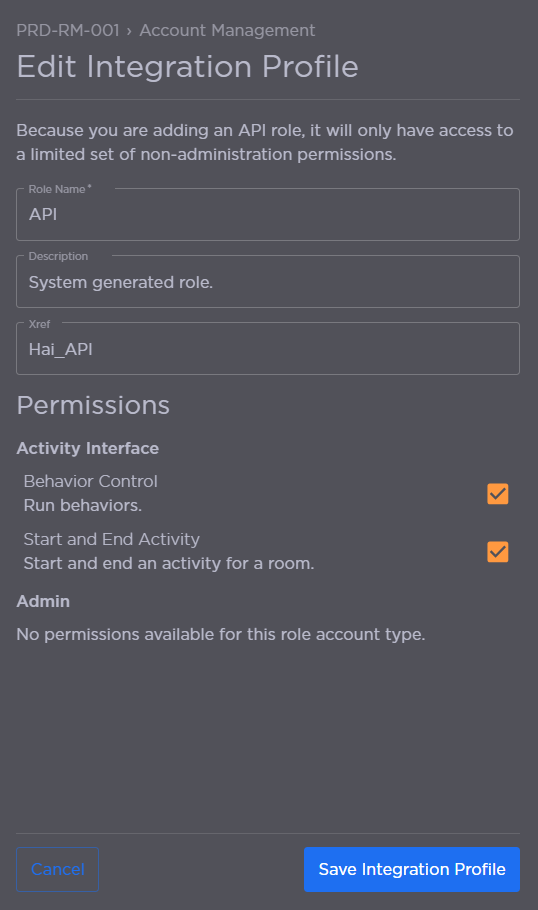
Integration Profile Fields
From here, you can:Edit the Role Name.
Edit the Description.
Edit the Xref value.
Select or deselect Activity Interface permissions.
Click Save Integration Profile when finished.