
Editing Displays
The Edit Display menu option allows you to change the display name.
Click the user account icon in the top right and select Admin.
On the side menu, click Displays.
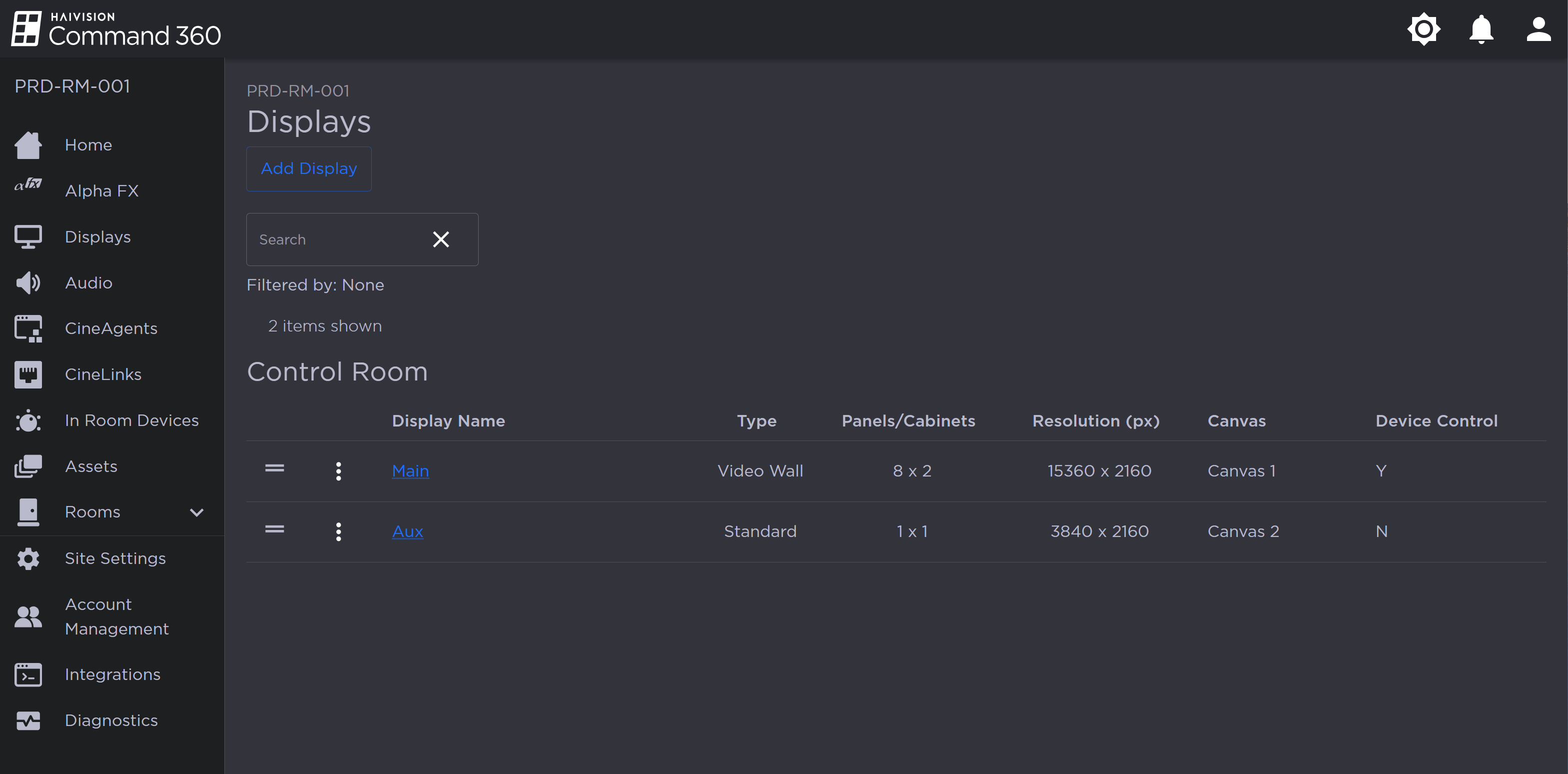
Click the
 icon next to the display name and select Edit Display.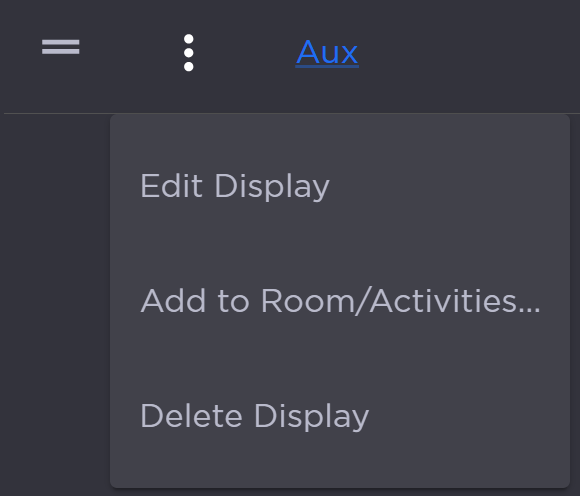
Display Options
Edit the Display Name.
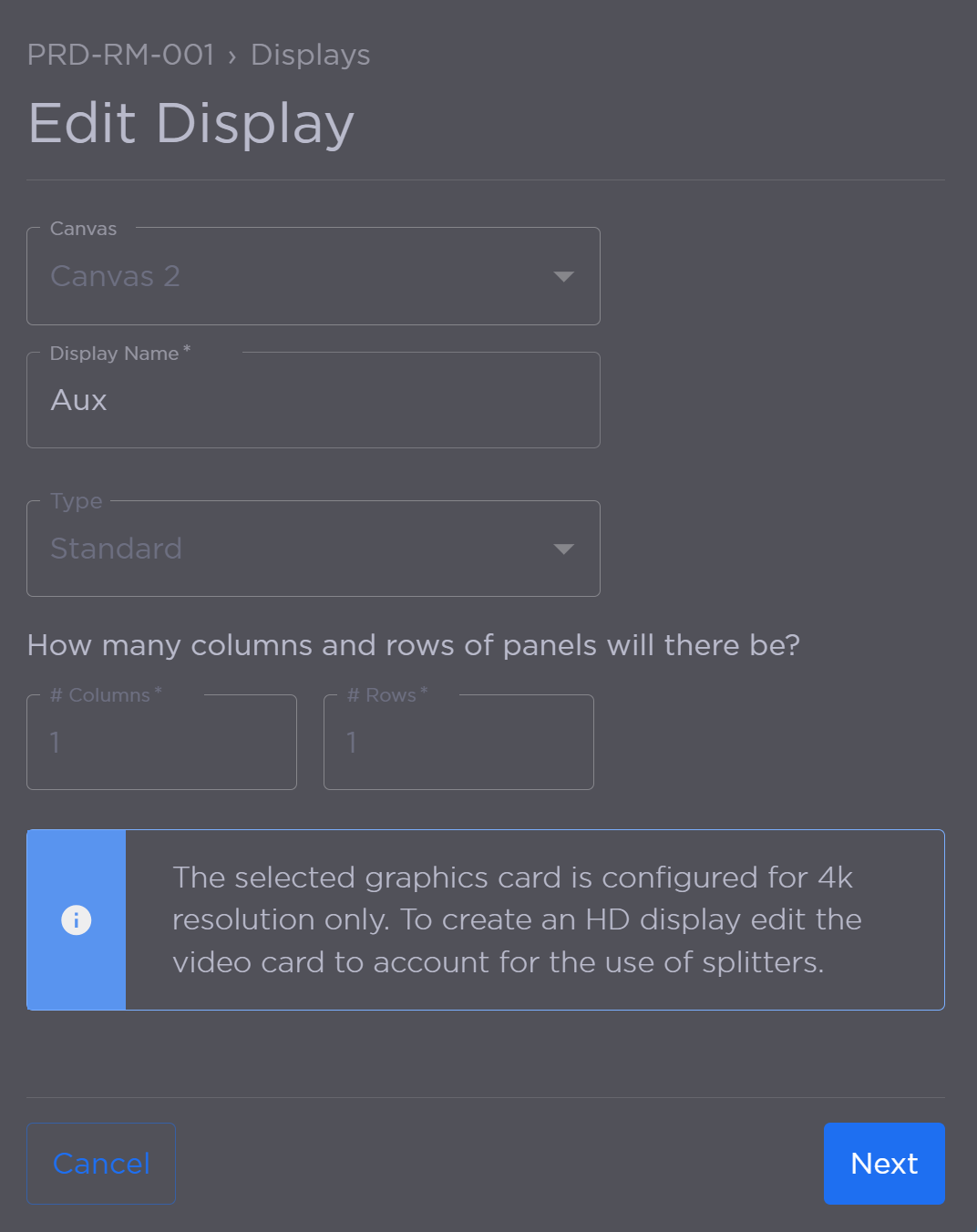
Click Next.
Click Save Display to save your changes.
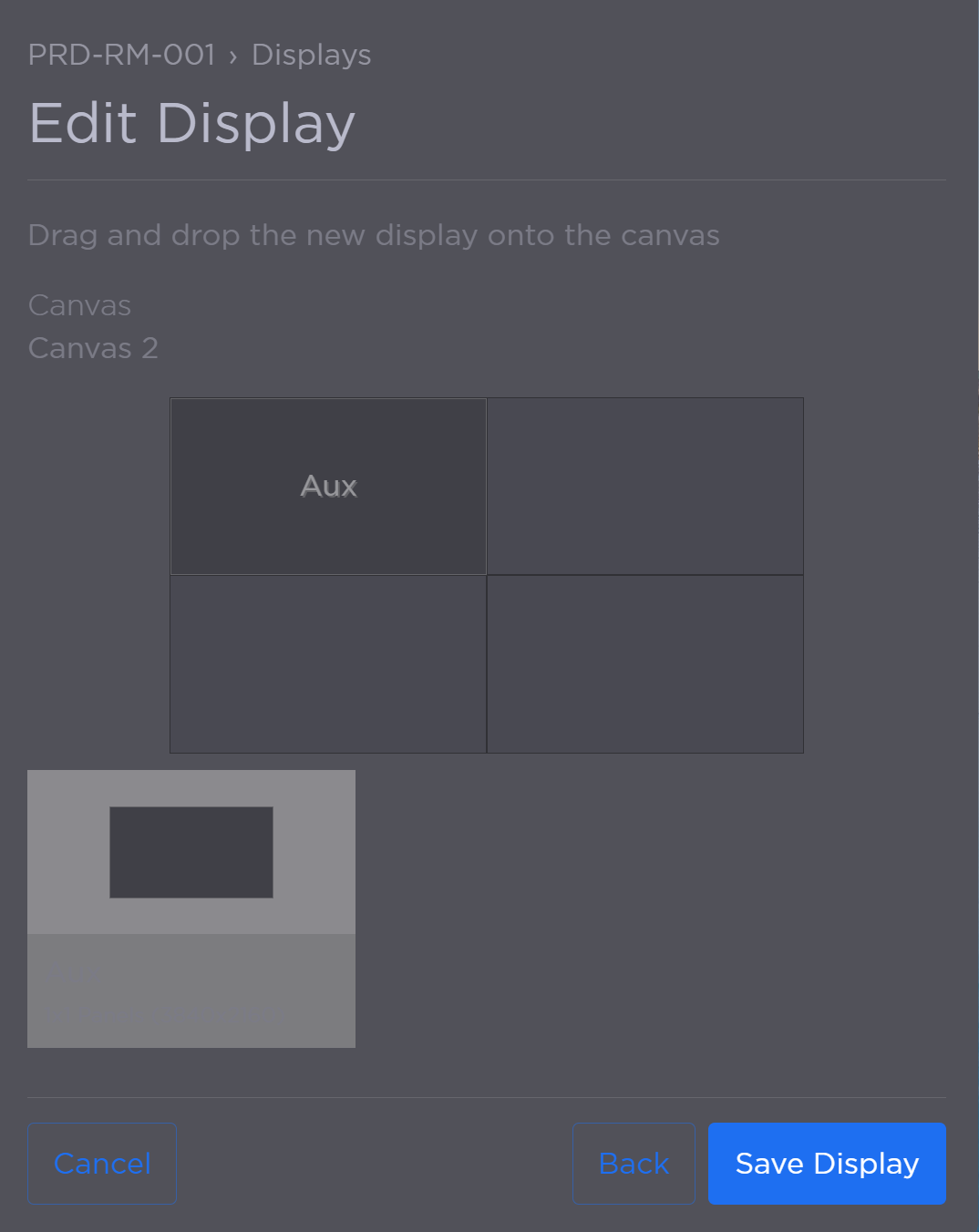
Display Allocation
The updated display name now appears in the summary list.