
Deleting Rooms
Deleting a room removes it from the Rooms page and deletes all associated activities and behaviors.
To delete a room:
Click the user account icon in the top right and select Admin.
On the side menu, click Rooms.
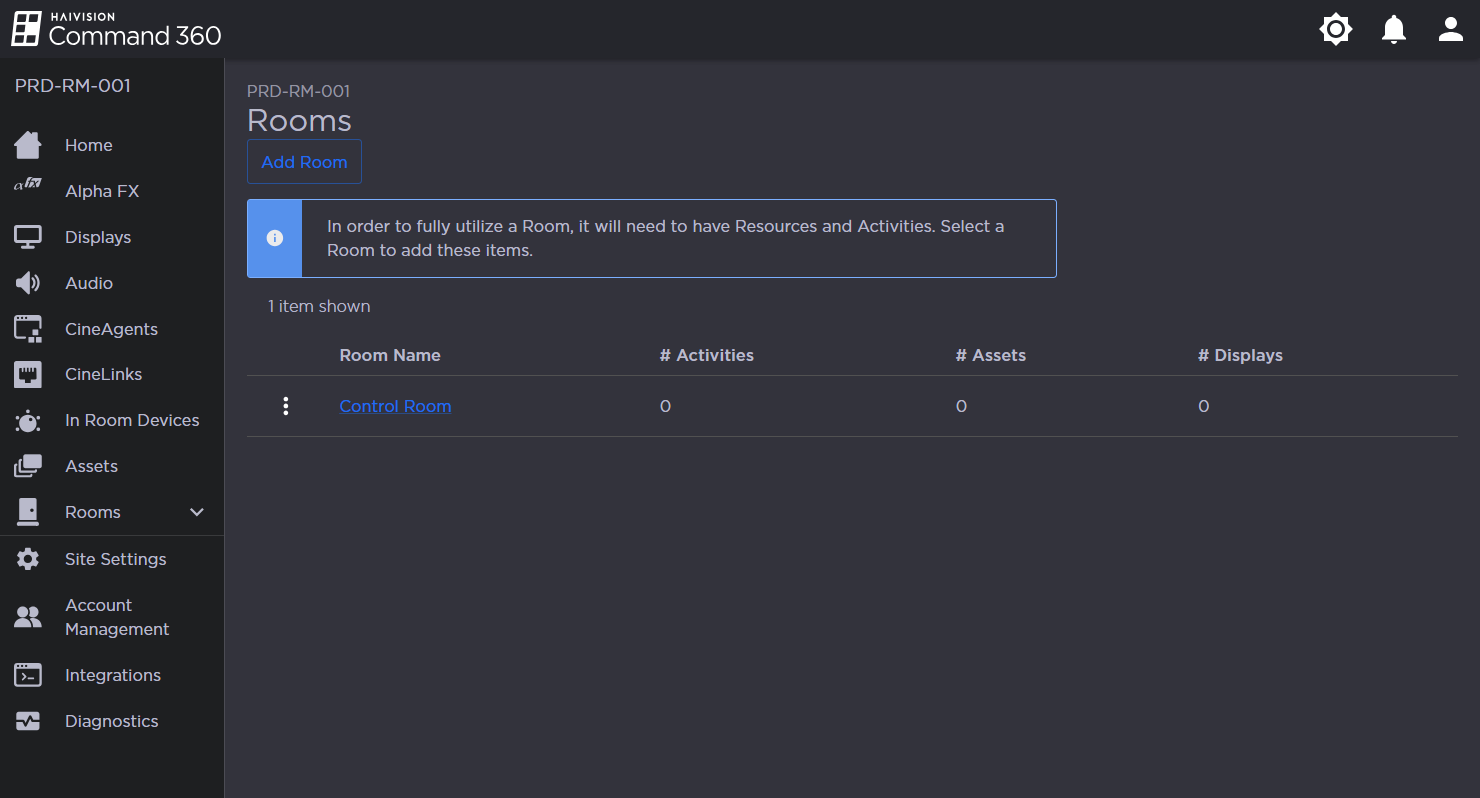
Rooms Page
Click the
 icon next to the room name and select Delete Room.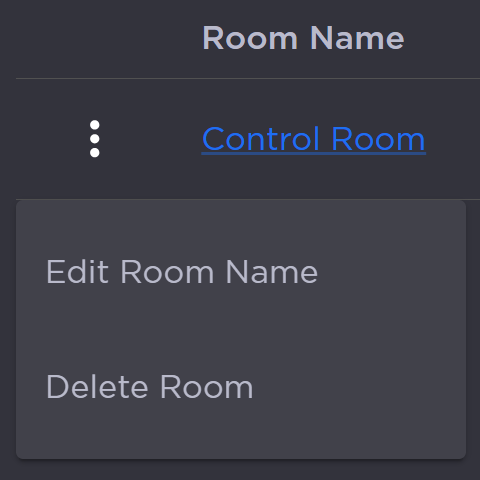
Room Options Menu
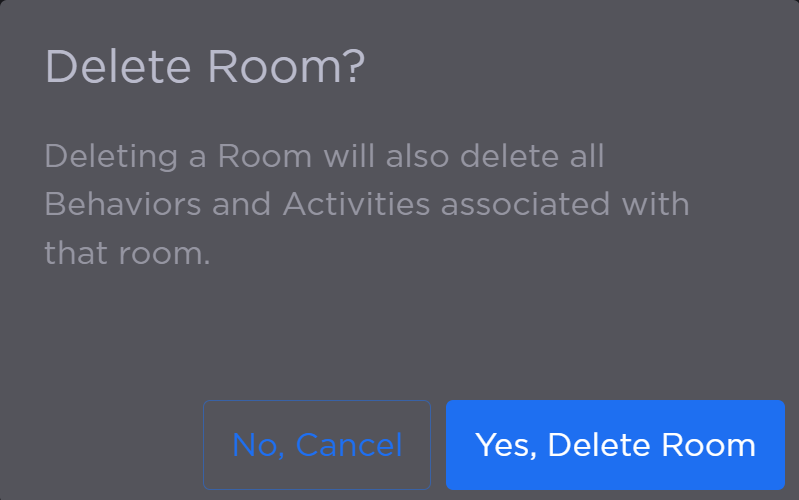
A confirmation prompt opens. Click Yes, Delete Room.
The Room no longer appears in the summary table.