
Deleting Roles
To delete an existing role:
Click the user icon in the top right and select Admin.
On the side menu, click Account Management.
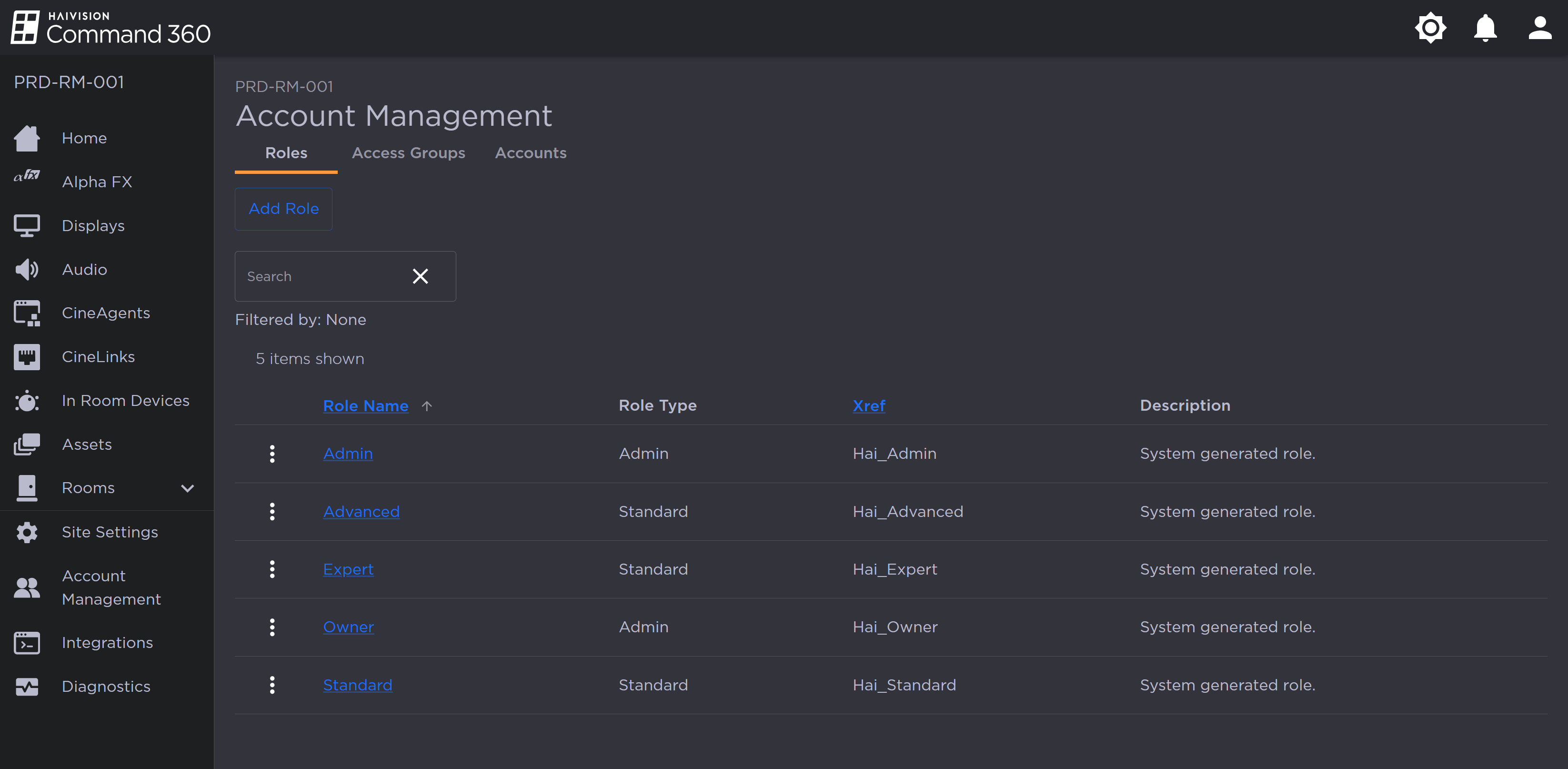
Account Management Roles Tab
On the Roles tab, click the
 icon to the left of the desired role and select Delete Role.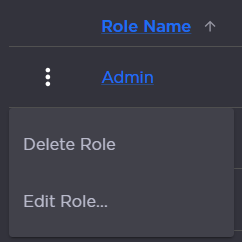
Role Options
When prompted, click Yes, Delete.
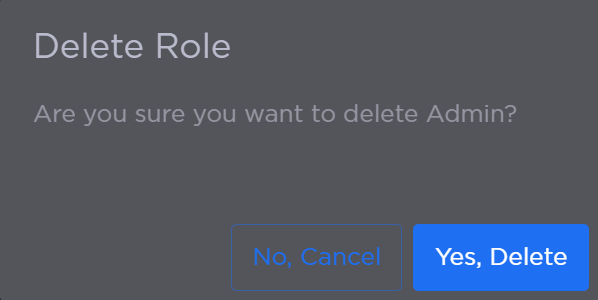
Delete Role Confirmation Prompt
The role is removed from the summary table.