
Deleting Activities
To delete an Activity:
Click the user icon in the top right corner and select Admin.
On the side menu, expand the Rooms section and select a Room.
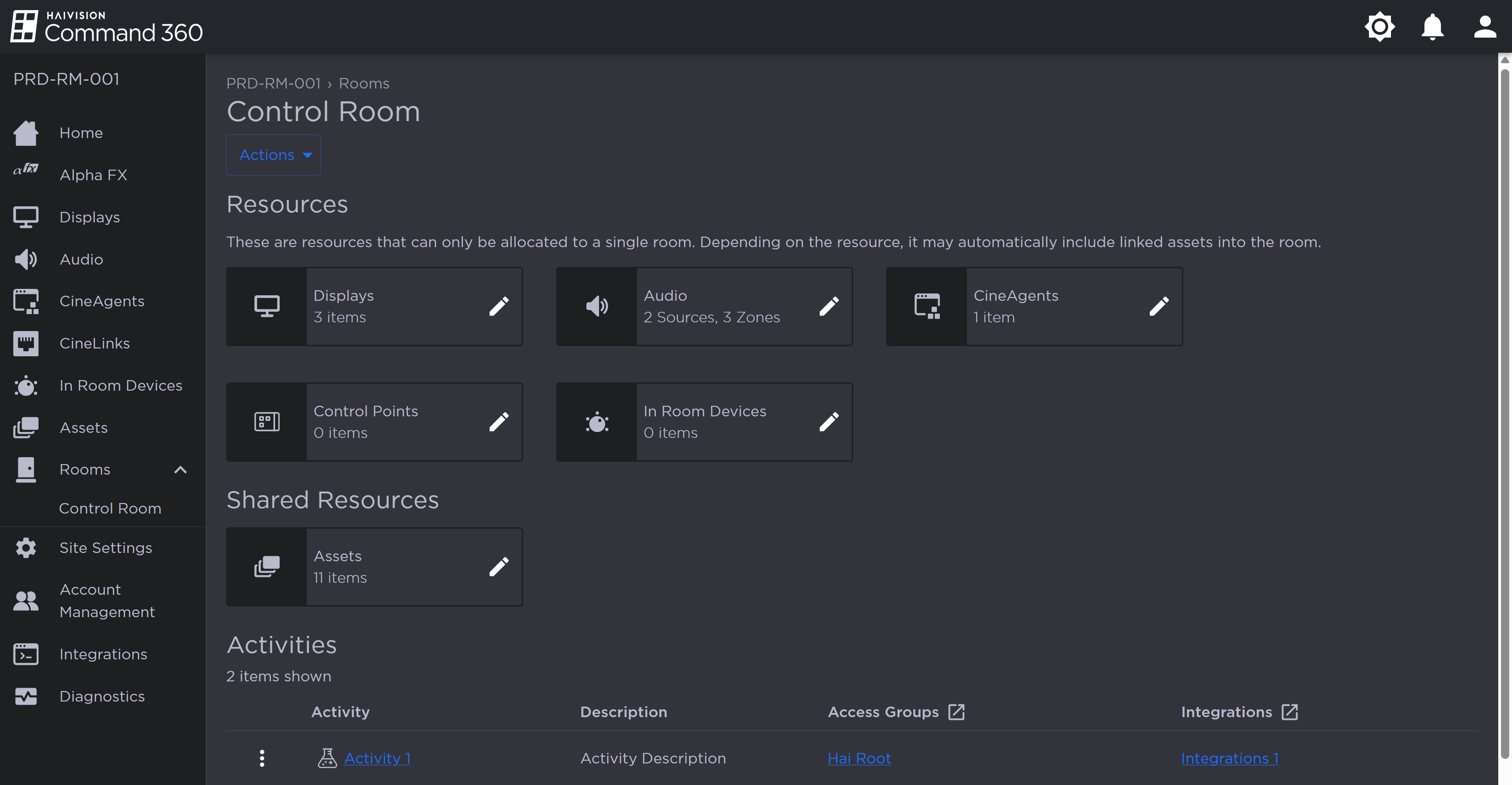
Room Resources and Activities
In the Activities section, click the
 icon next to the Activity you wish to delete.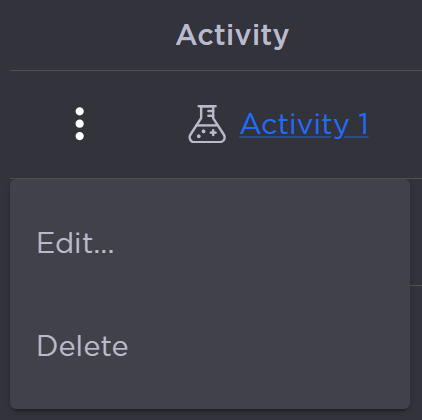
Activity Options
Click Delete.
In the confirmation pop-up, click Yes, Delete Activity.
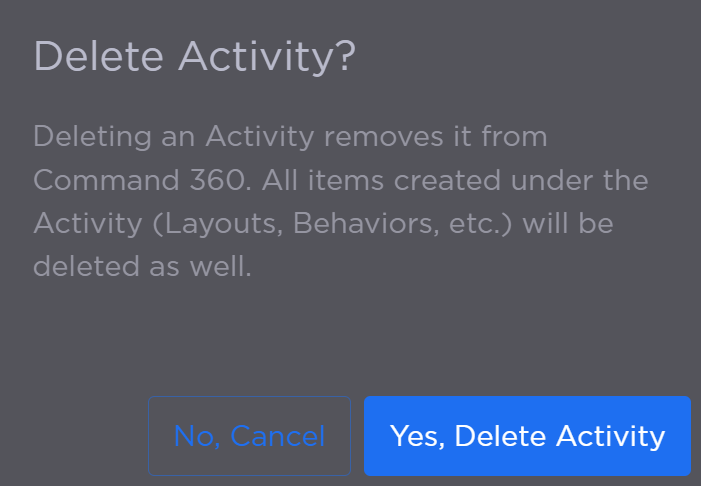
Delete Activity Confirmation Prompt

Note
If the Activity is still running, you are prompted to stop the Activity before attempting to delete it, as shown in the popup below:
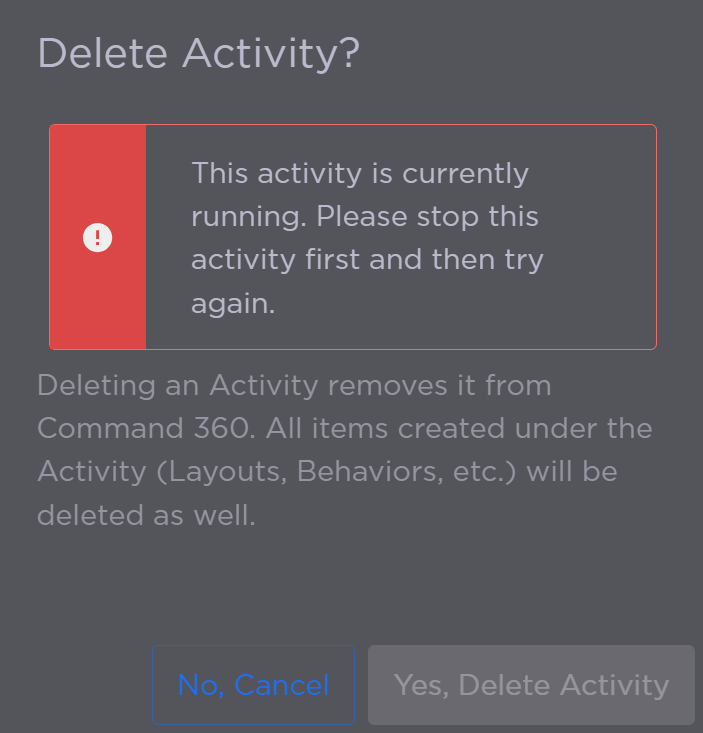
Delete Running Activity Prompt
The Activity no longer appears on the summary table.