
User Timeout Settings
Administrators may wish to establish timeout limits after periods of inactivity for admin or standard users.
To edit user timeout settings:
Click the user icon in the top right corner and click Admin > Global to access the Global admin page.
Click Settings on the side menu.
Click the
 icon next to User Timeout.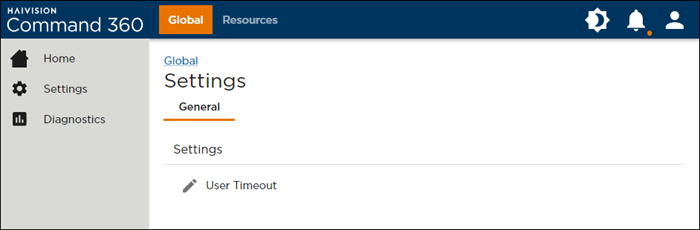
Global Settings Page
Enter the Timeout (in minutes) for each user category, then click Save User Timeout Settings.
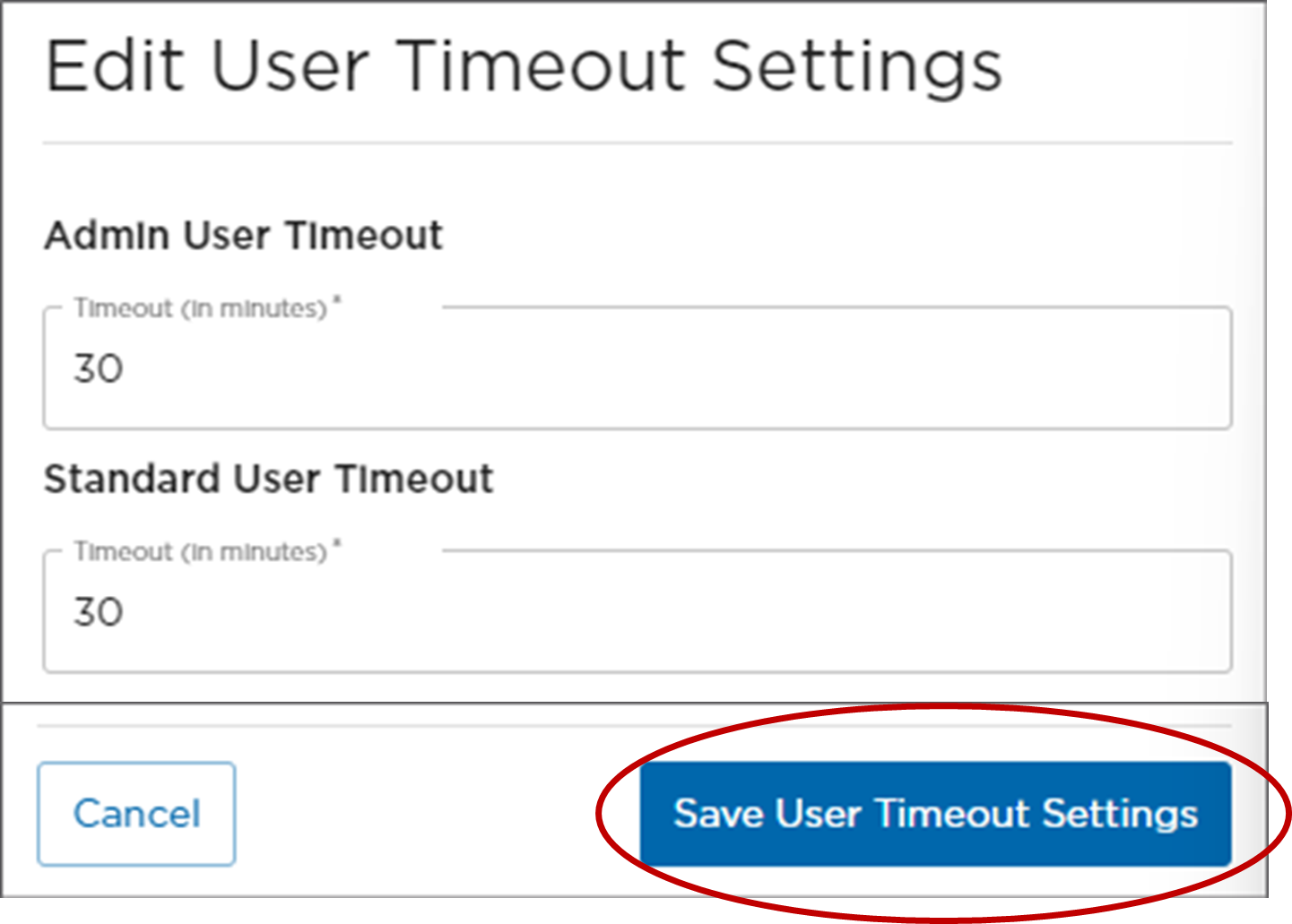
Save User Timeout Settings Button