
Updating Firmware Over the Network
To update Matrox IPX card firmware over the network:
Open File Explorer and go to C:\HaivisionFiles\Drivers\IPX\Mura_IPX_Dseries_3rd_party_3_10_00_065\IPX\Updater.
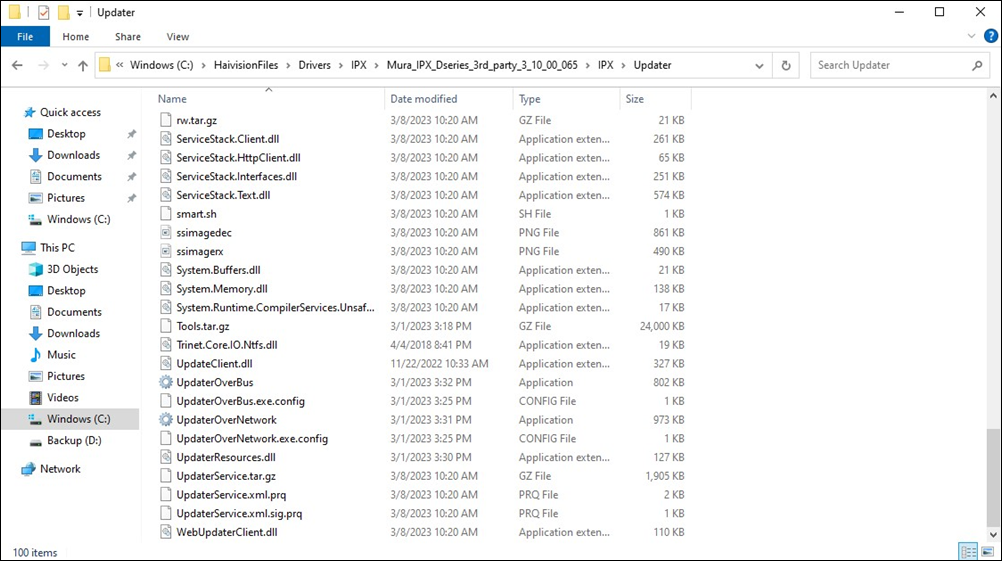
Click to open UpdaterOverNetwork. The Matrox Device Updater over Network application opens.
Click Search.
Select the IPX cards you want to update and click Update.
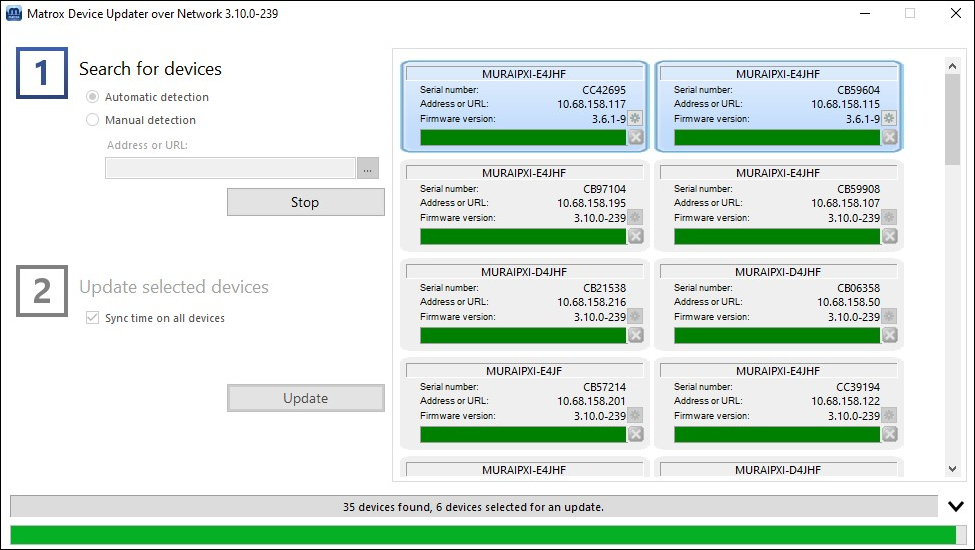
The new firmware version is installed.