
Room Audio Processor
To view room-specific audio processor information:
Click the user account icon in the top right and click Admin > Resources.
Click the Rooms option on the left navigation column.
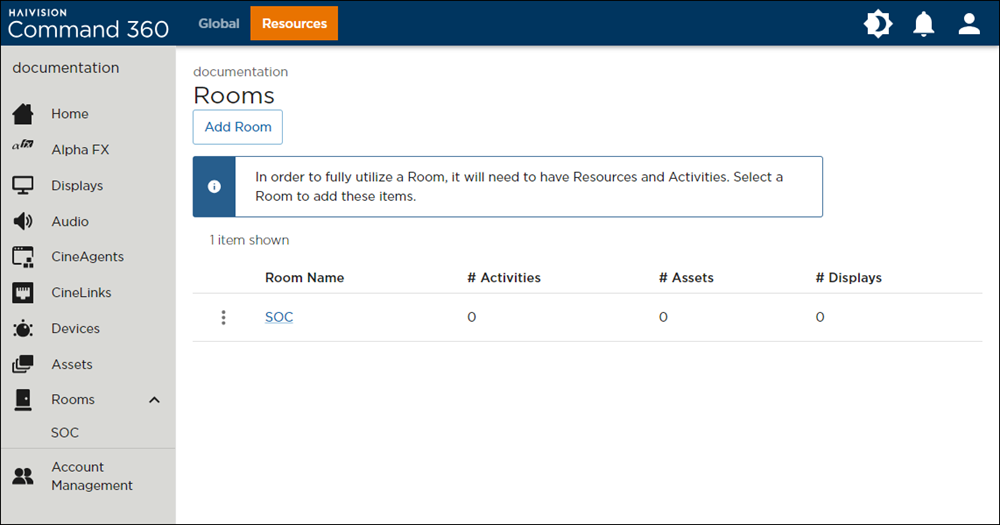
Click a Room Name from the summary table, or click a room on the left navigation column.
Click the
 icon
icon  on the Audio resource.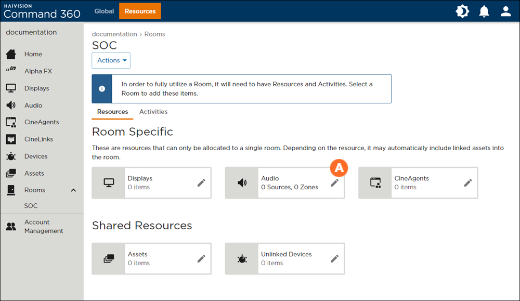
In the Manage Audio panel, click Go to Audio Processors.
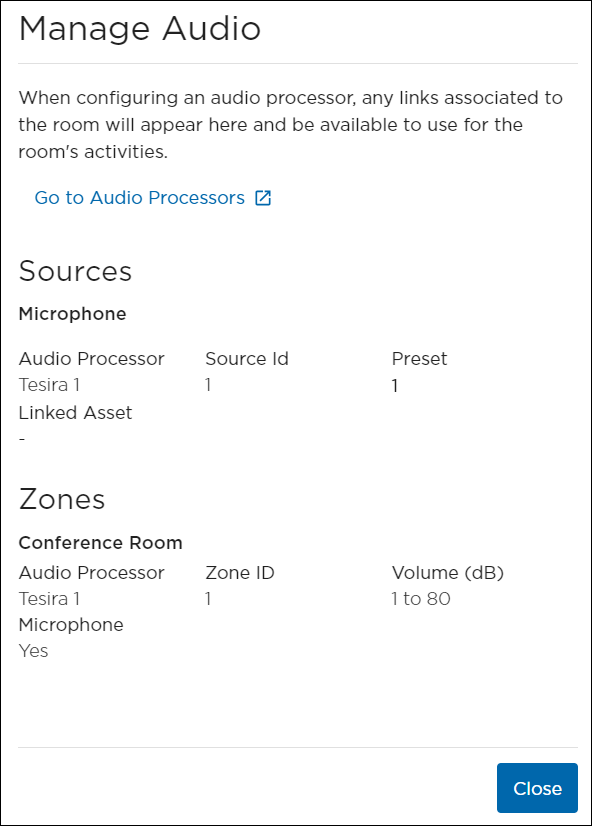
Manage Audio Panel
From here, you are taken to the Audio resources screen. For information on adding sources and zones to a room, see Configuring Audio Processors.