
Releasing a CineLink
To release a CineLink:
Click the user icon in the top right corner and click Admin > Resources.
Click CineLinks on the left navigation column.
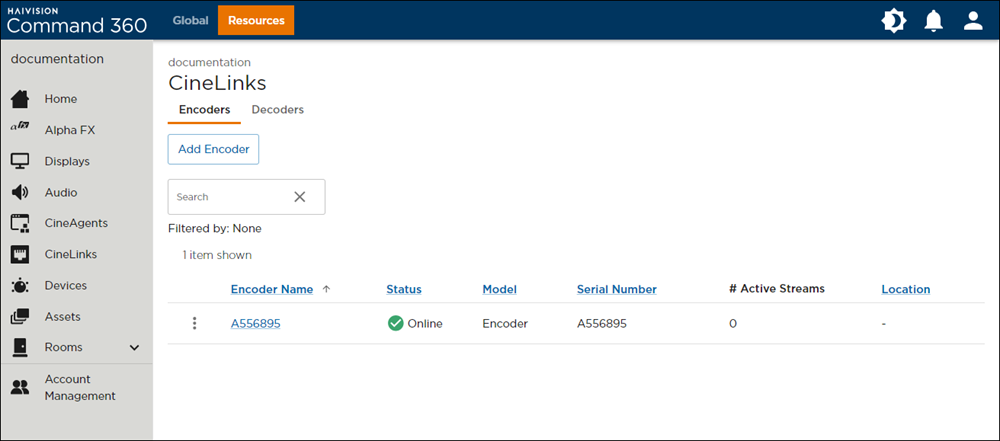
CineLinks Management Page
Click the
 icon to the left of the device name in the summary list and select Release CineLink.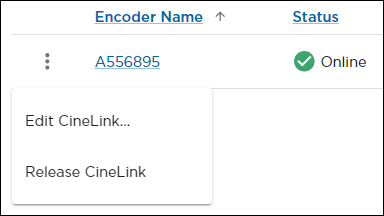
CineLink Options
A prompt appears advising the effect releasing the CineLink will have on the Command 360 environment: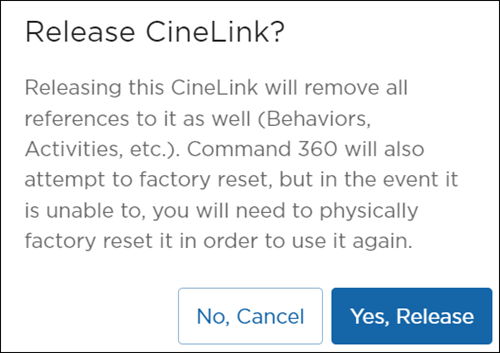
Release CineLink Prompt
Ensure any impact to operations can be anticipated and mitigated. If the results of releasing the device pose no threat to operations, click Yes, Release.