
Regenerating Tokens
If you have lost the API token generated when creating an API account, you can generate a new one.
To regenerate an API token:
Click the user icon in the top right and click Admin > Resources.
Click Account Management on the left navigation column.
Click the API Accounts tab.
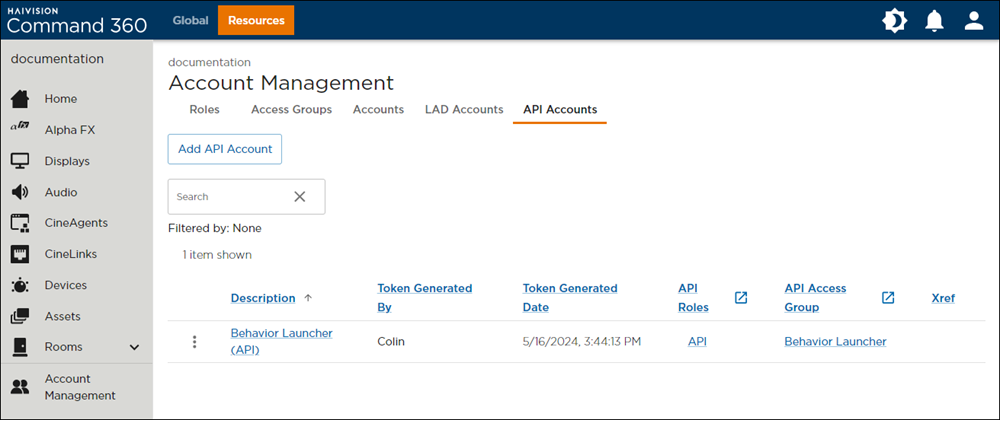
API Accounts Tab on Account Management Screen
Click the
 icon next to the account listing you wish to edit.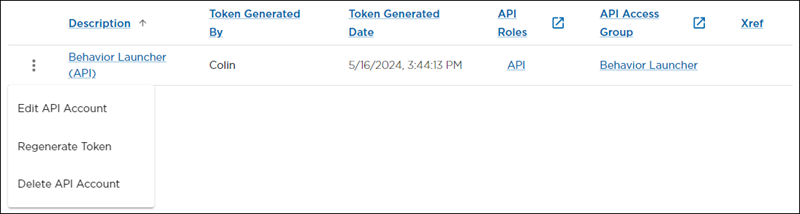
API Account Options
Click Regenerate Token. The API Account Properties panel opens.
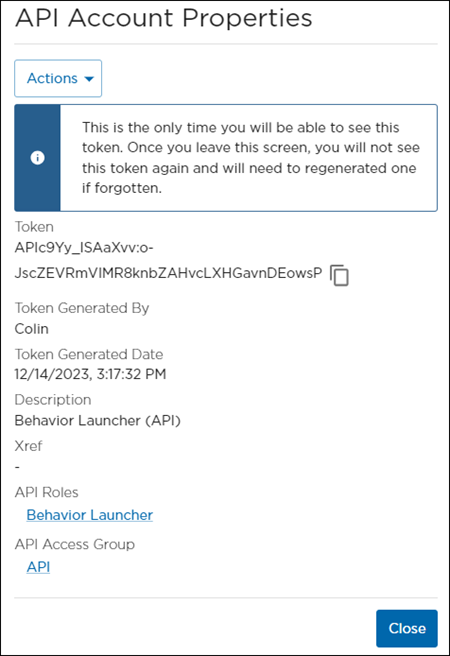
API Account Properties
Click the copy icon to copy the token and save it in a secure place.