
Layouts
Use layouts to save groups of assets and easily swap them in or out on the activity interface.
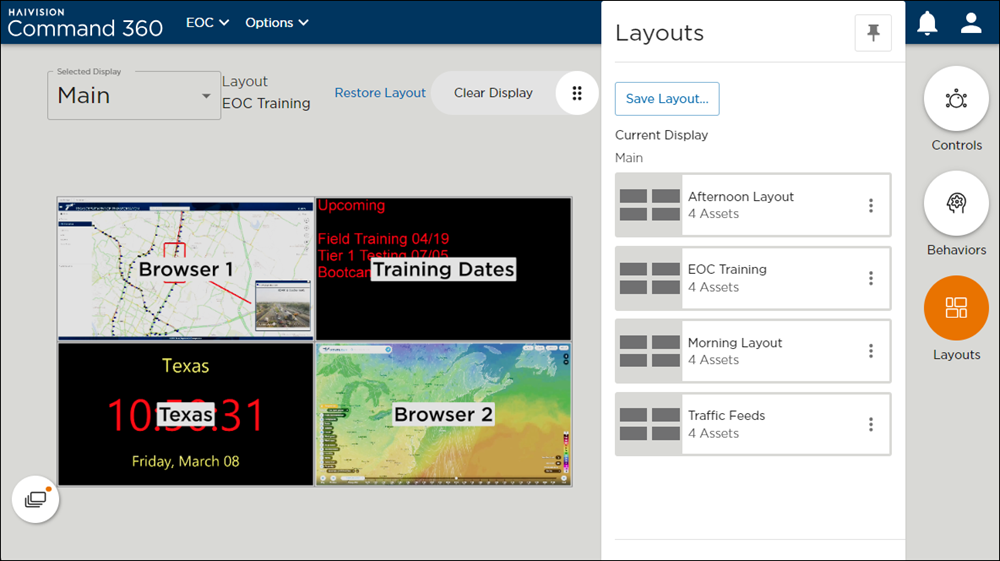
Selecting a Layout
To select a layout:
Click the Layouts icon.
Select a layout from the list. The display updates to reflect the currently selected layout.
Creating a Layout
To create a new layout:
Click the Assets icon to open the assets tray.
Click and drag assets onto the display.
Click the Layouts icon.
Click the Save Layout button.
Enter a Layout Name.
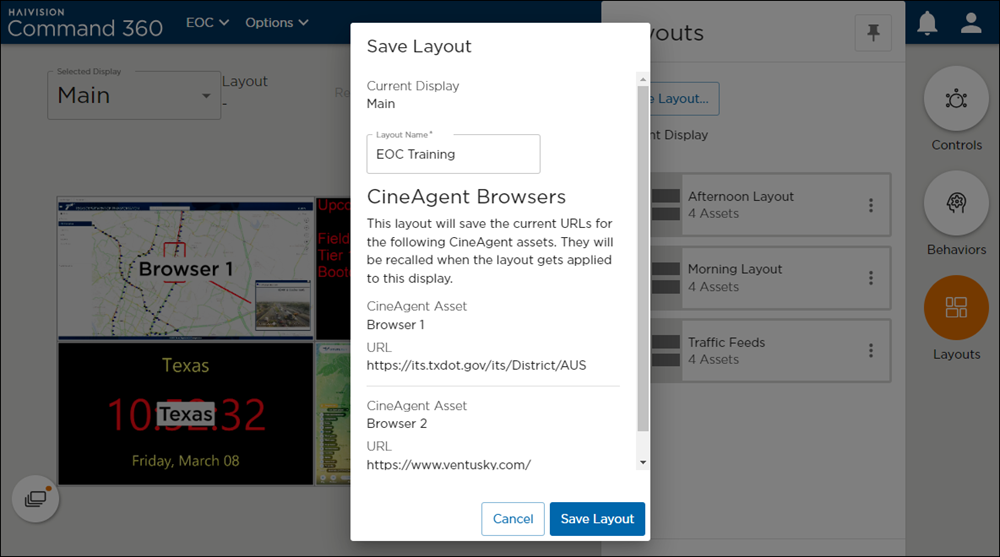
Click Save Layout. The new layout is added to the list.
Updating a Layout
To update a layout:
Click the Layouts icon.
Click the
 icon on the layout to update.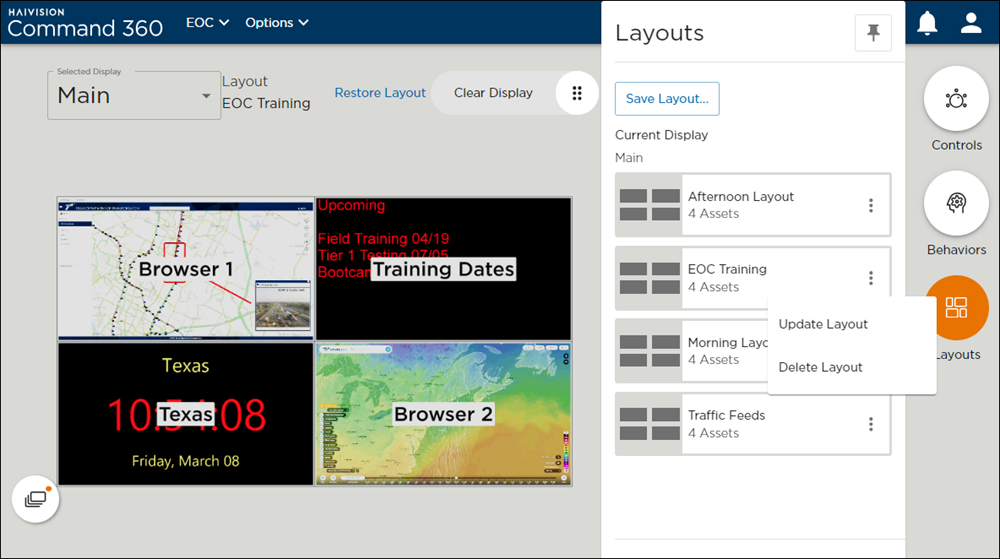
Click Update Layout.
Enter a new Layout Name.
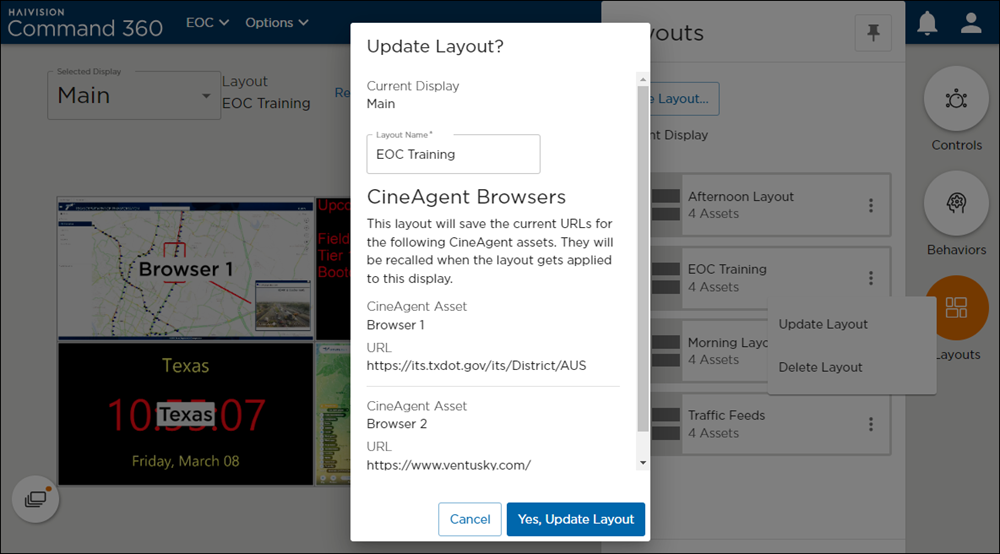
Click Yes, Update Layout.
Deleting a Layout
To delete a layout:
Click the Layouts icon.
Click the
icon on the layout to delete.Click Delete Layout. A confirmation prompt appears.
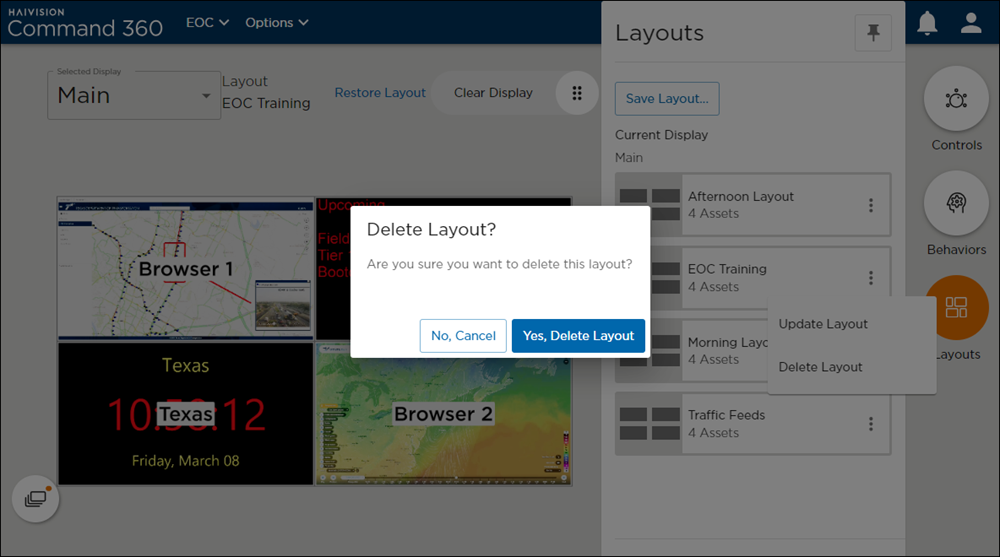
Click Yes, Delete Layout.