
Editing the Site Name
The site name can be changed after initial system setup.
To change the site name:
Click the user icon in the top right corner and select Admin > Resources.
On the Resources Home page, click the Actions button and select Edit Site.
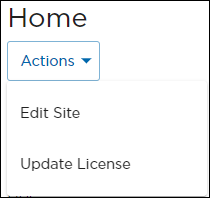
Resources Home Action Button
Enter a new Site Name.
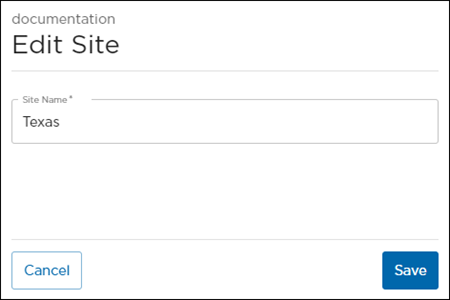
Edit Site Panel
Click Save.