
Editing Rooms
The Edit Room menu option allows the user to only change the room name. To modify resources or activities within a room, enter the room-specific configuration page for each.
To edit a room name:
Click the user account icon in the top right and click Admin > Resources.
Click the Rooms option on the left navigation column.
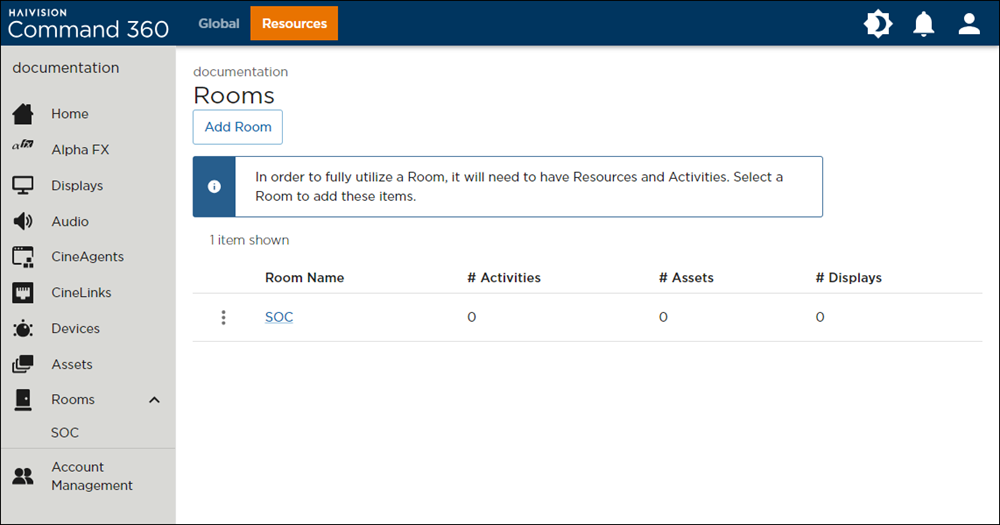
Rooms Page
Click the
 icon next to the room name and select Edit Room Name.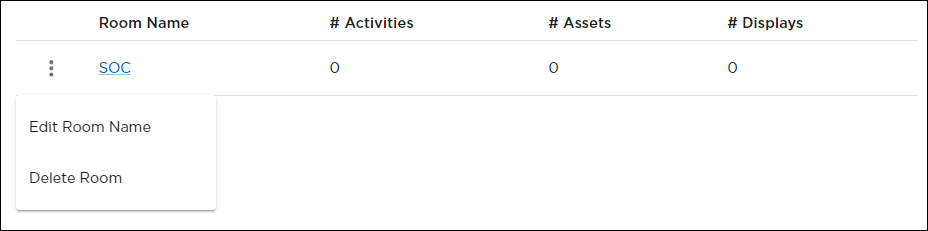
Room Options Menu
Edit the Room Name and click Save Room.
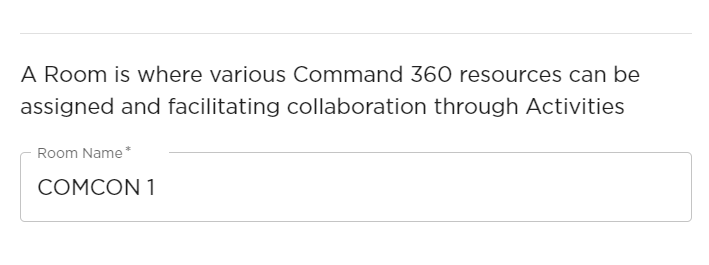
The change in room name now appears in the summary table.

Example Room Summary