
Editing Roles
To edit an existing role:
Click the user icon in the top right and click Admin > Resources.
Click Account Management on the left navigation column.
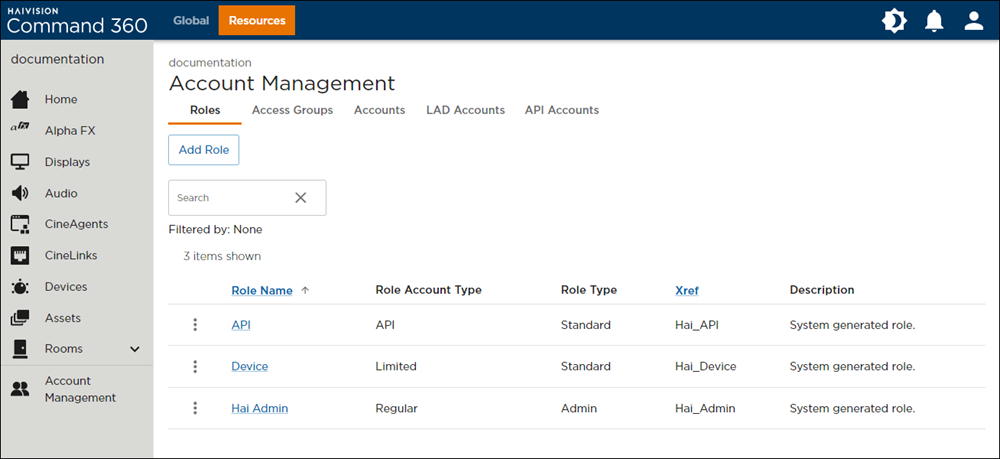
On the Roles tab, click the
 icon to the left of the desired role.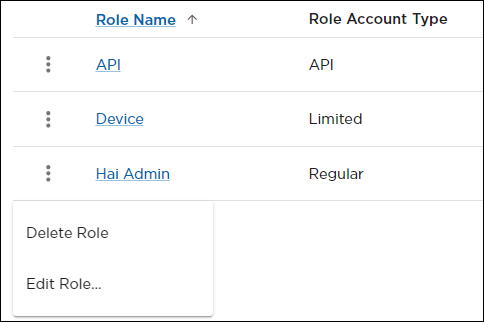
Click Edit Role to launch the role Name, Description, and Xref input screen with permissions assignment checklists.
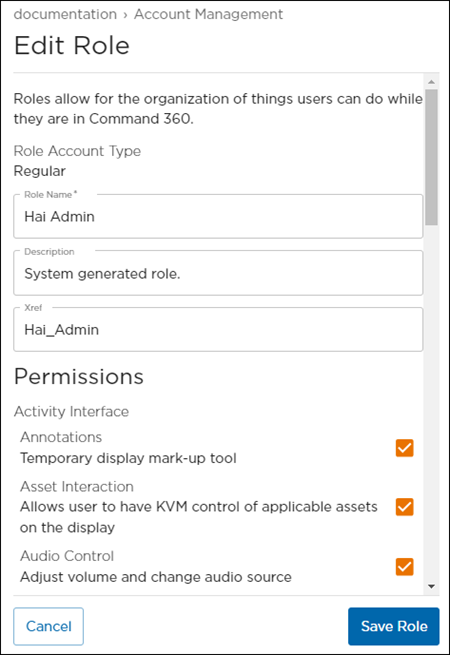
Revise the role as desired, then click Save Role.