
Editing API Accounts
After adding an API account, you can edit the username, roles, access group, and xref tag.
To edit an API account:
Click the user icon in the top right and click Admin > Resources.
Click Account Management on the left navigation column.
Click the API Accounts tab.
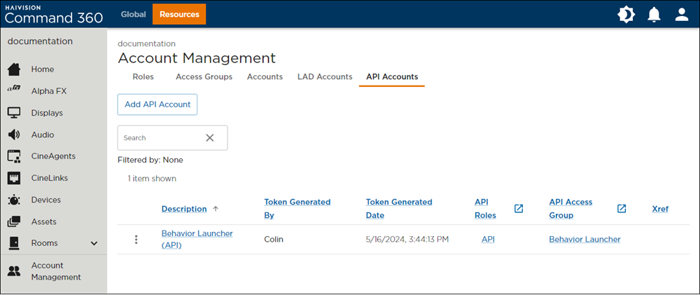
Click the
 icon next to the account listing you wish to edit.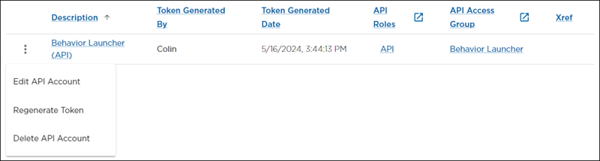
Click Edit API Account.
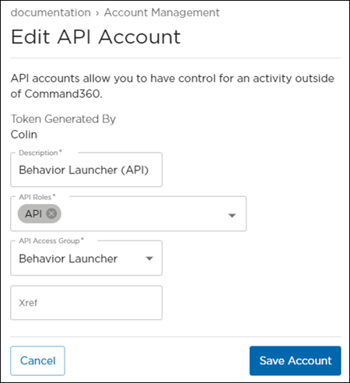
From here, you can edit:
Description
API Roles
API Access Group
Xref
When finished making changes, click Save Account.