
Deleting Rooms
The Delete Room menu option allows the user to delete a specific room.
Click the user account icon in the top right and click Admin > Resources.
Click the Rooms option on the left navigation column.
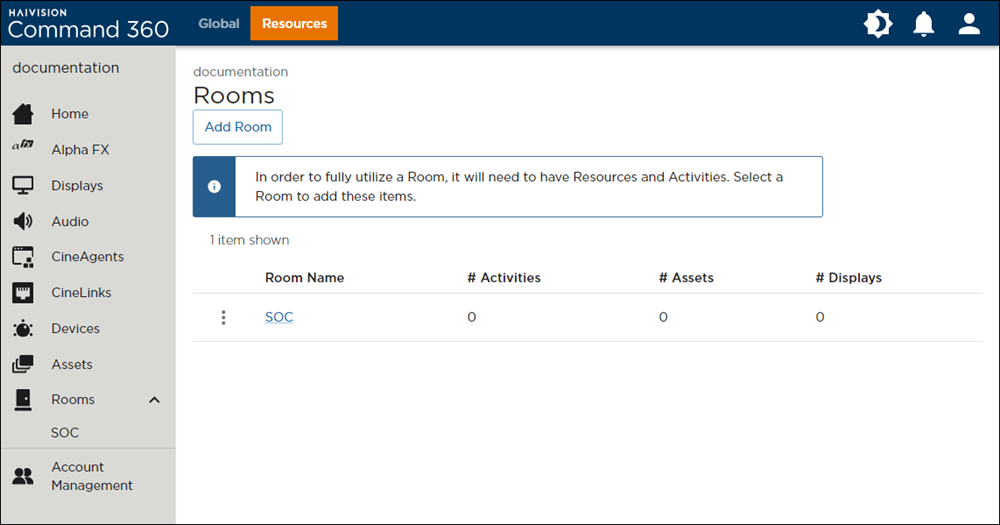
Rooms Page
Click the
 icon next to the room name and select Delete Room. A confirmation prompt opens.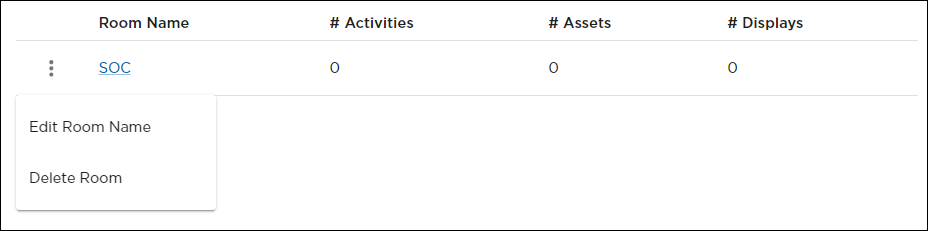
Room Options Menu
Click Yes, Delete Room.
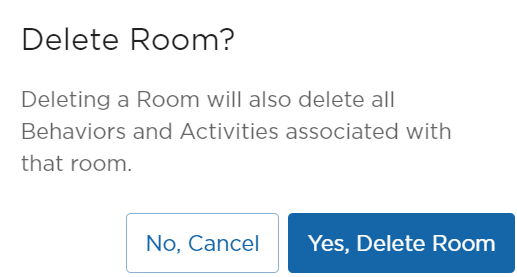
The room no longer appears in the summary table.