
Deleting LAD Accounts
To delete a LAD account:
Click the user icon in the top right and click Admin > Resources.
Click Account Management on the left navigation column.
Click the LAD Accounts tab.
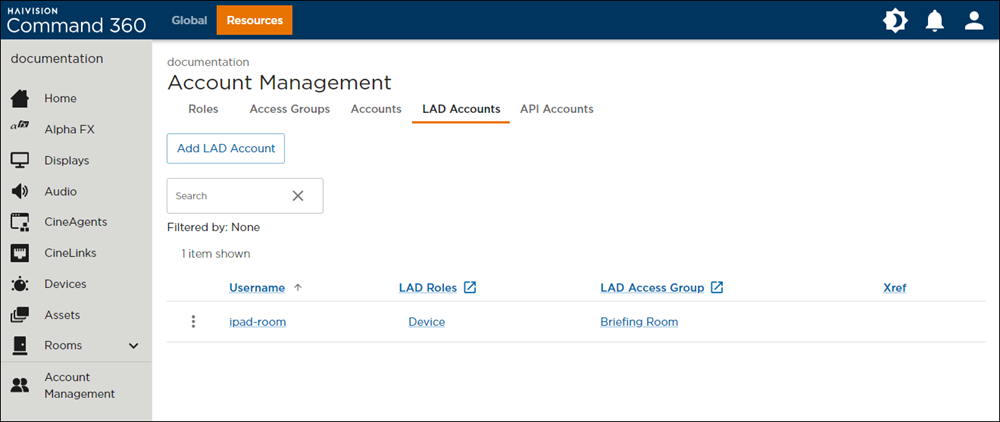
LAD Accounts Tab on the Account Management Screen
Click the
 icon on the listing of the LAD account you wish to delete.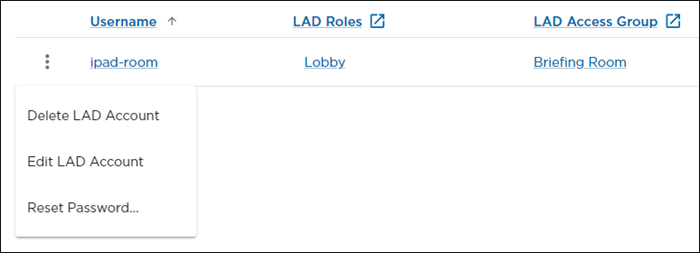
LAD Account Options
Click Delete LAD Account. A confirmation prompt appears.
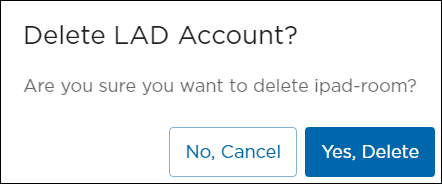
Delete LAD Account Confirmation Prompt
Click Yes, Delete.