
Command 360 Identity Provider (IdP)
To set up an identity provider (IdP) using Command 360's IdP service:
Select the Command 360 IdP option, then click Next.
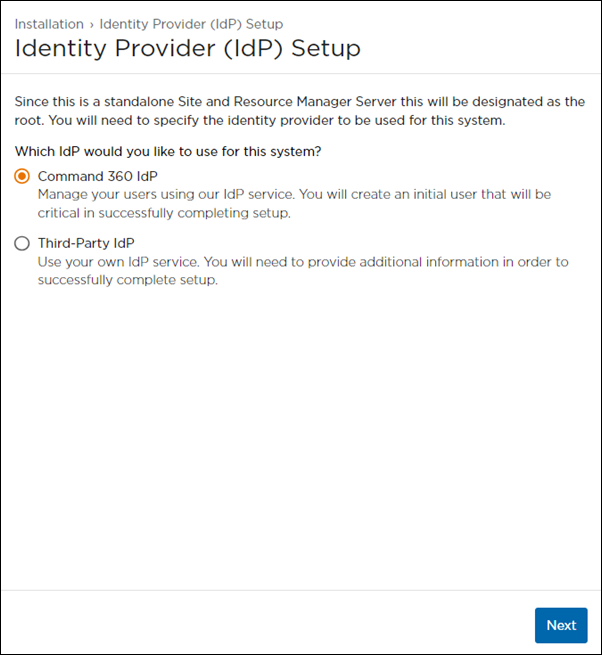
IdP Setup Screen with Command 360 Selected
Populate the following Initial Admin User fields, then click Next.
Username
Password
Confirm Password
First Name
Last Name
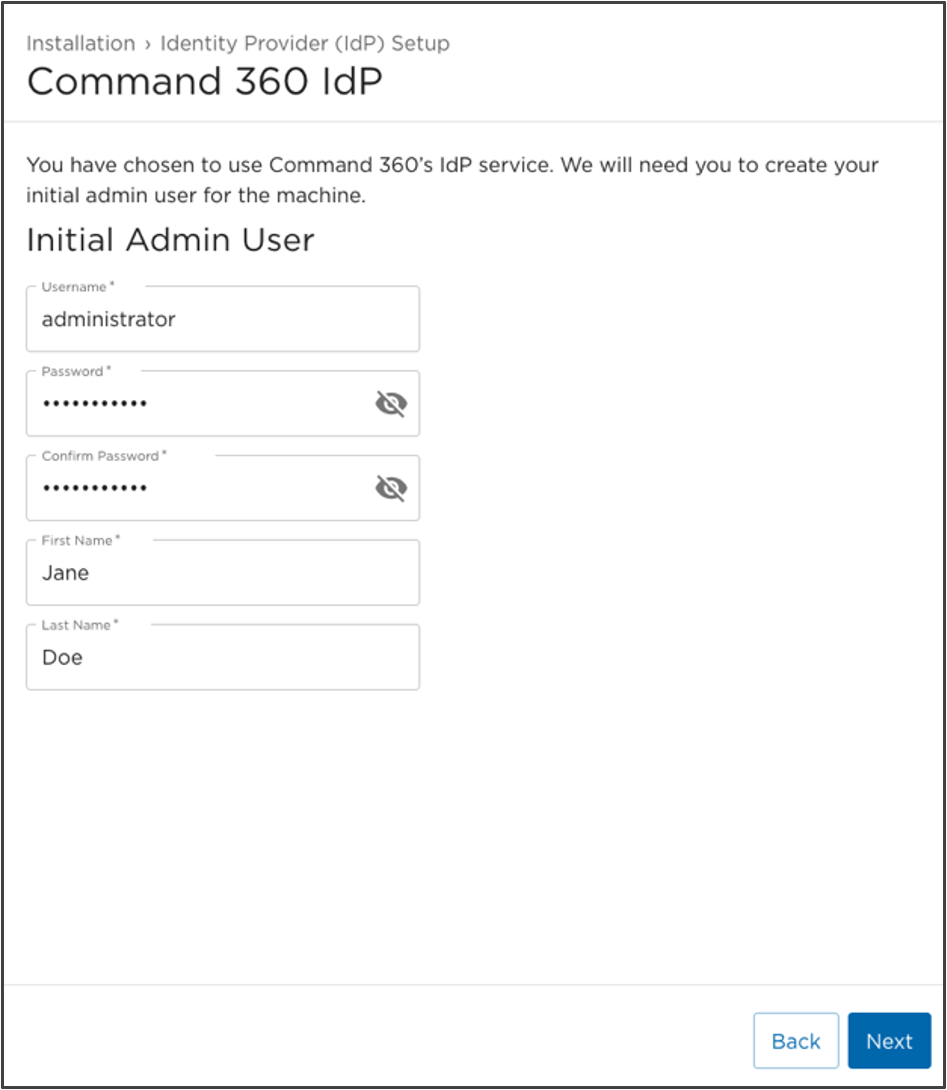
Command 360 IdP Setup Screen
A summary page for the Command 360 IdP appears to recap the Username, First Name, and Last Name for the Initial Admin User.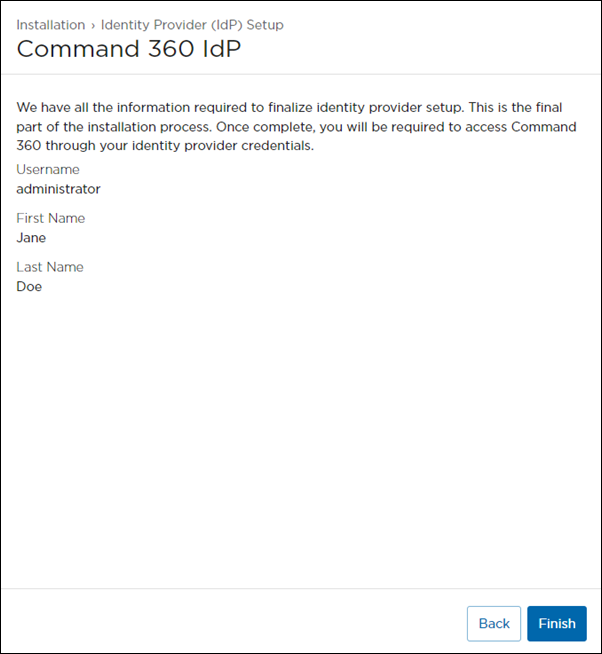
If any of the information needs to be changed or corrected, click Back to the appropriate page; otherwise, click Finish.

Warning
Please record redundant copies of the password in a secure location. Until an additional Admin User with reset permissions is created, there is no password recovery option. A forgotten password requires a complete factory reset.
Once the Identity Provider setup is complete, the system finalizes the installation process.
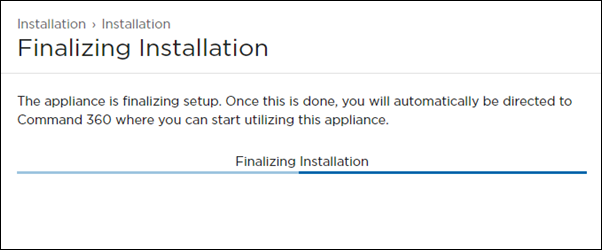
Finalizing Installation Screen
Once finished, the Command 360 Site Login page launches, and the system is ready for use.
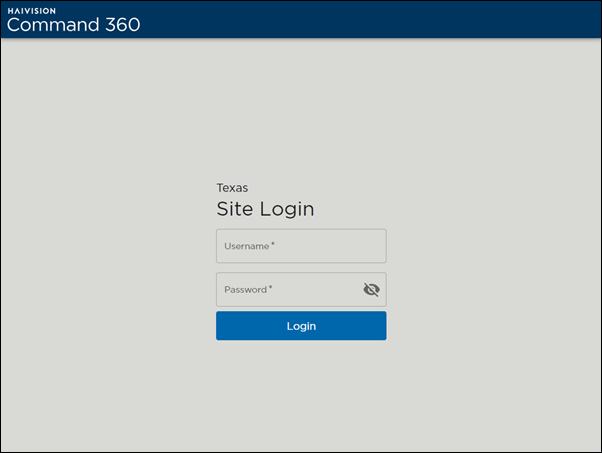
Initial Site Login Screen
This completes the Command 360 installation process.