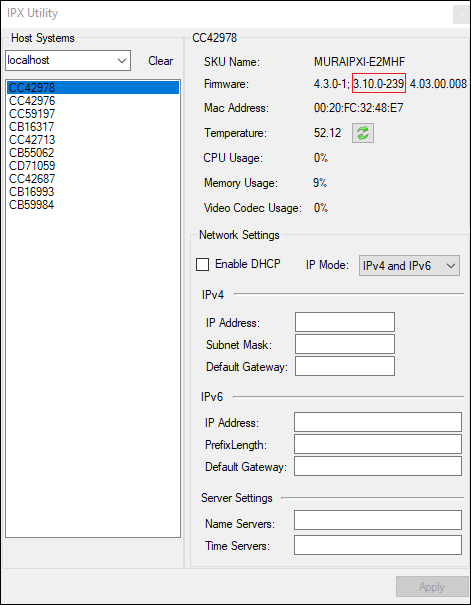
Check Matrox Firmware Version
To check the Matrox IPX card firmware version:
Open File Explorer and go to C:\HaivisionFiles\Utilities\IPX Diag Tools.
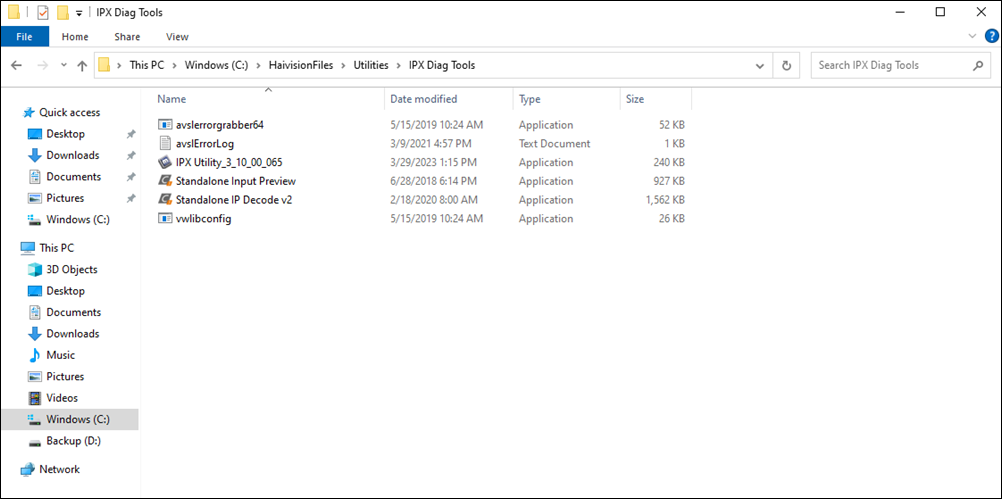
Click to open IPX Utility.
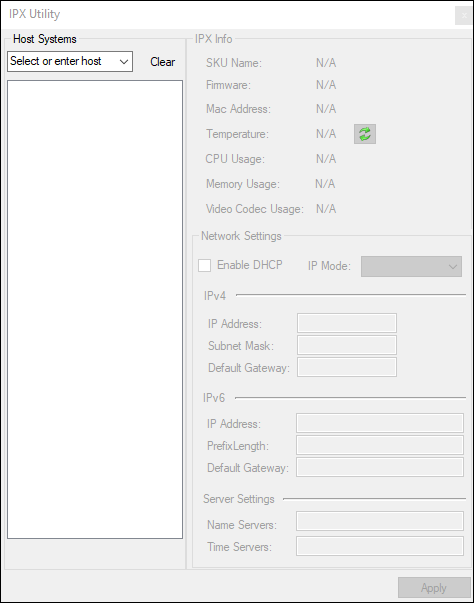
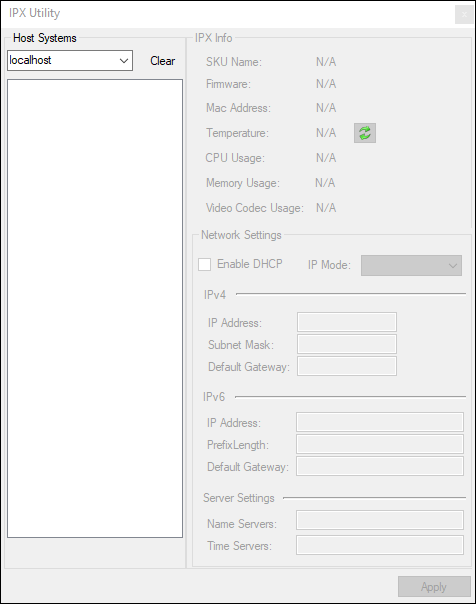
Type localhost in the field under Host Systems and press Enter.
View information about each IPX card, including the firmware version (highlighted in red).