
Adding a CineLink Encoder
To add a CineLink encoder:
Click the user icon in the top right corner and click Admin > Resources.
Click CineLinks on the left navigation column.
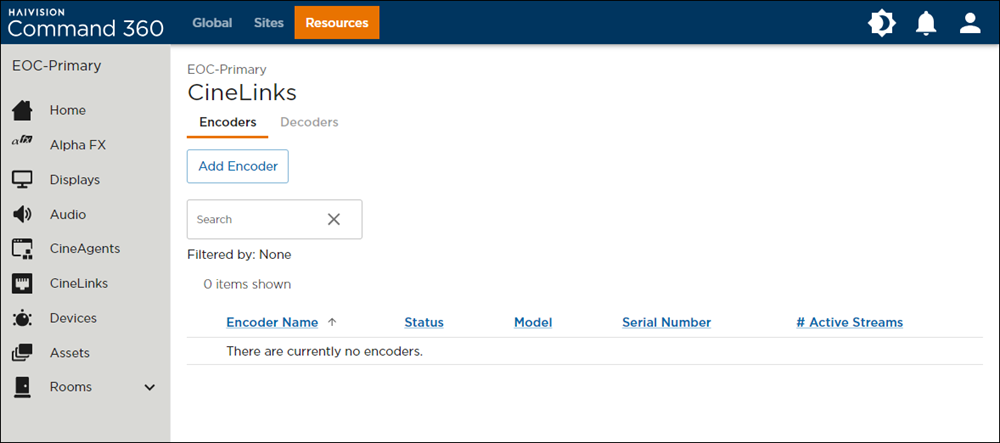
CineLinks Management Page
Click the Add Encoder button. The Add CineLink Encoders side panel opens on the right.
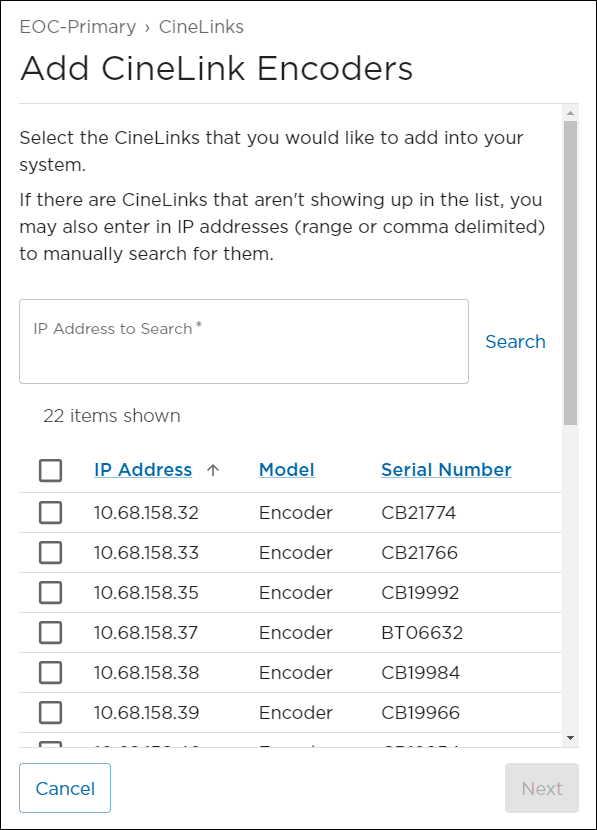
Add Encoder Panel
Enter an IP Address to Search to add an encoder manually, or scroll the list of automatically detected encoders and click the check box next to each one you wish to add.
Click Next.
(Optional) Encoder Name, IP Address, Model, and Serial Number auto-populate with the encoder details. The Encoder Name and Location can be edited if desired.
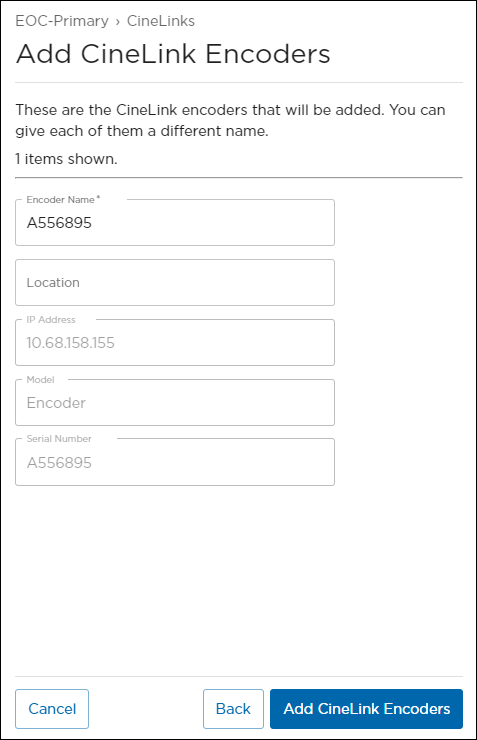
Encoder Details
Click Add CineLinks. The encoder now appears on the CineLink management summary page:
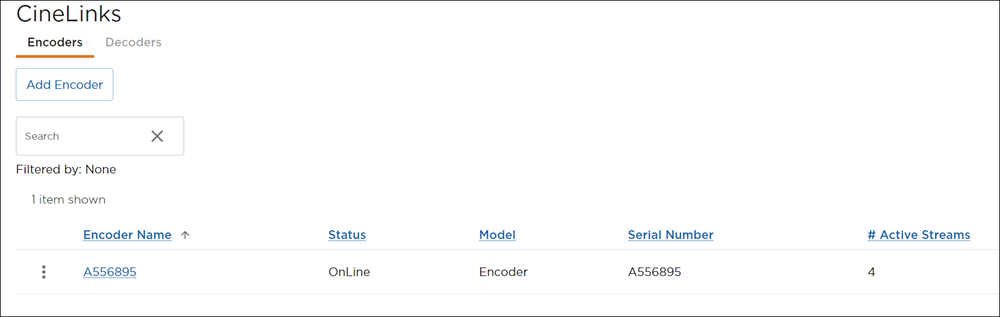
Encoder Summary
The status should indicate the machine is online and available for use. If the status is offline, check the device and ensure all settings align with network requirements.