
Accessing the BeOnAir Cloud Service
Connection settings are indicated on the Registration Card delivered with your BeOnAir package.
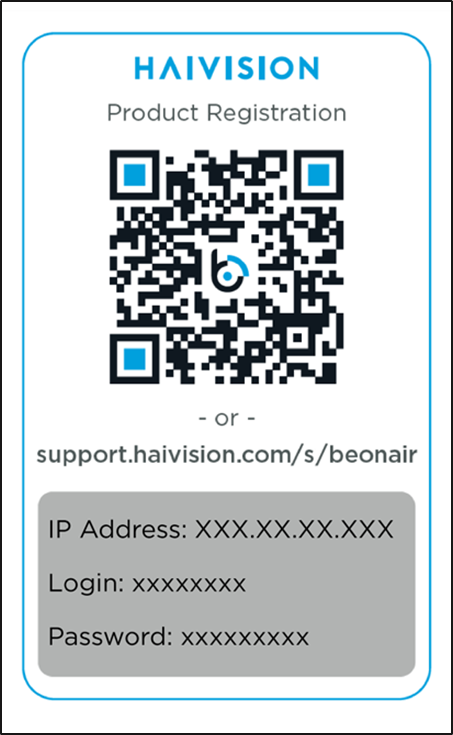
In the address bar of your web browser enter the IP address, followed by «:8888» .
Enter login and password.
The BeOnAir Cloud Service user interface opens:
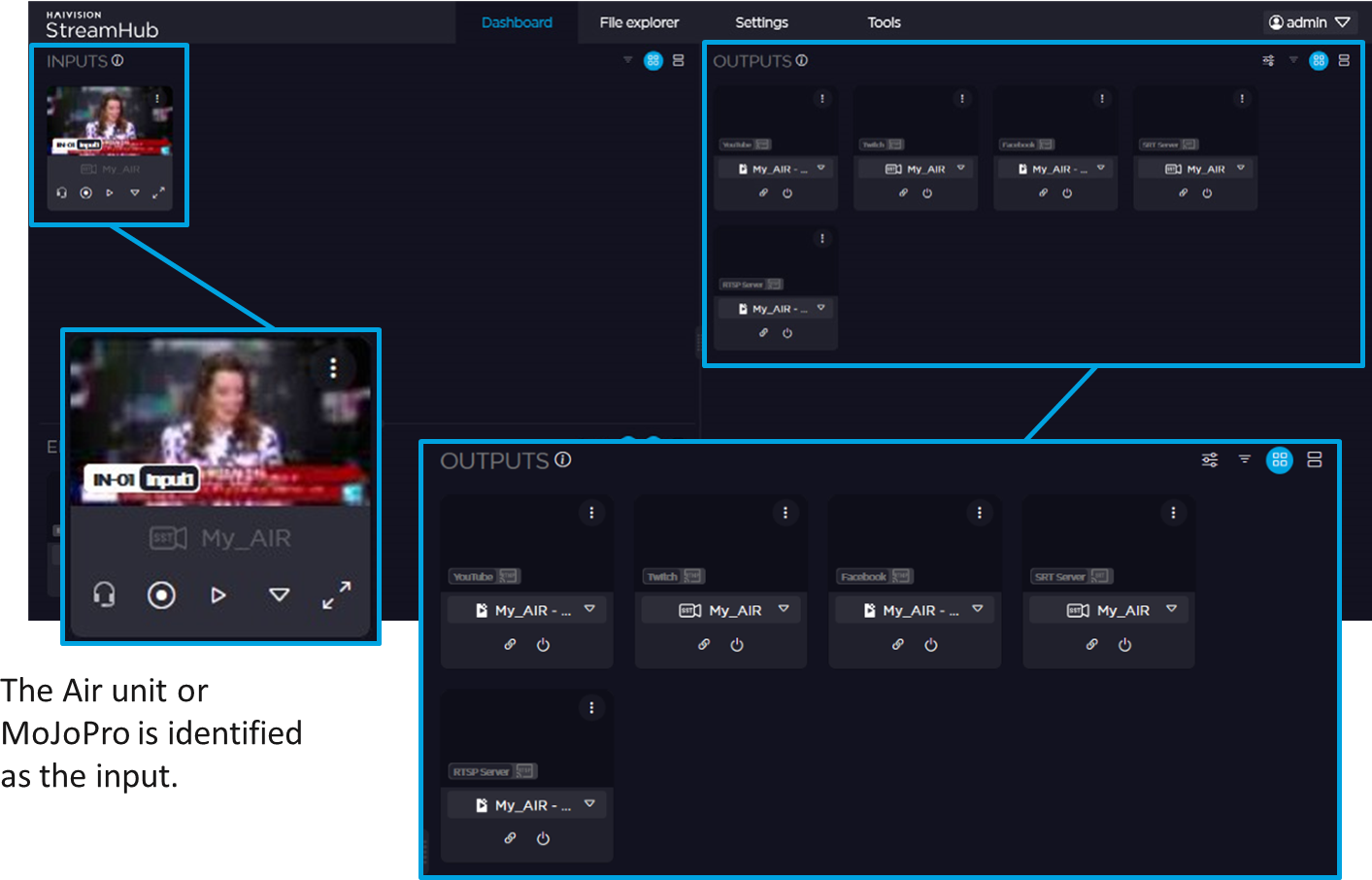
5 types of output are preset to allow you streaming to various platforms (Facebook, YouTube, Twitch, a RTSP Server, a SRT Server).
You simply need to configure connection settings for each output you want to use (see further).