Installing and Configuring the MoJoPro Application
On your smartphone, get and install the application from the Store (App Store or Play Store). Once installed, the MoJoPro application shortcut appears on your main screen:
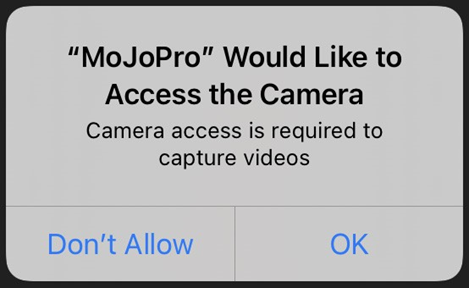
When opening the application, allow access to the phone Camera and Microphone.
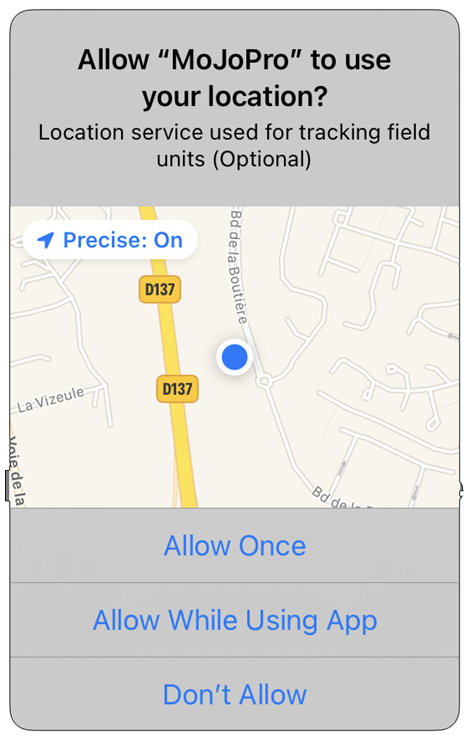
Decide which way you will allow MoJoPro to access to your photos and your phone location
Once
While using the Application
Don’t allow
Click on Add connection to define a connection profile.
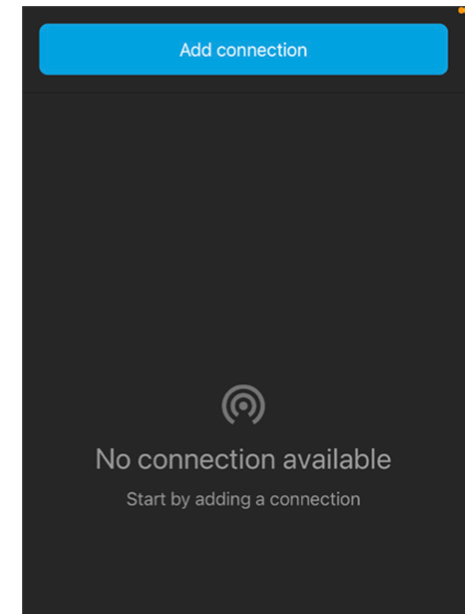
Enter a Name for this new connection. We recommend using an explicit name such as BeOnAir name.
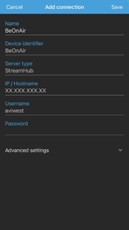
Fill in the Device Identifier field. This name will appear in the BeOnAir Cloud Service interface.
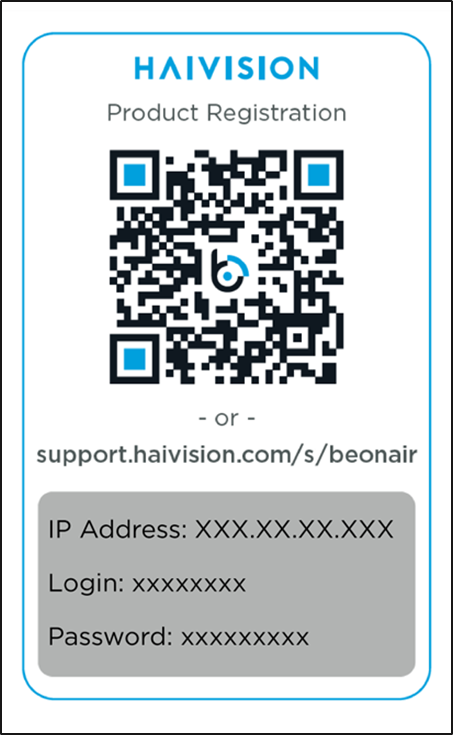
In the IP /Hostname field, enter the IP address given on the Registration Card delivered with your BeOnAir package.
Click on Save.
In the menu bar, the 
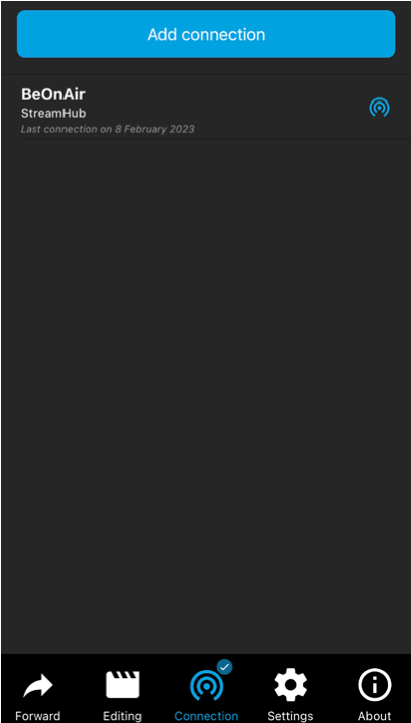
You can slide the bottom menu bar to select the Settings menu 
Video resolution
Video framerate
Audio mode
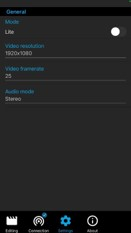
Access to Advanced Settings
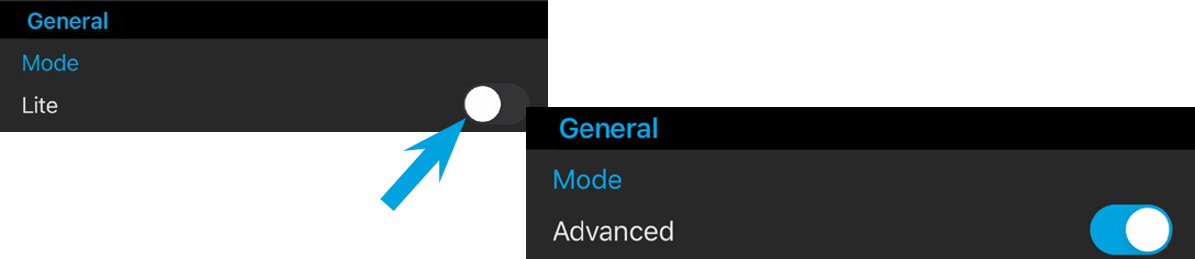
You can click on the Lite button to access Advanced settings, such as video bitrate, screen orientation, and other settings.