Set the Multi-Encoding Mode
To set the multi-encoding mode from the Unit Panel or from the Web Interface, see the sections below.
Unit Panel
From the Home menu, tap
 >
>  > General.
Tap Encoder density field.
Select Multi HD encoder.
Web Interface
In the sidebar click on Settings > System.
In the Preferences section's Source Mode dropdown, select Multiple Cameras.

Click the Apply button.
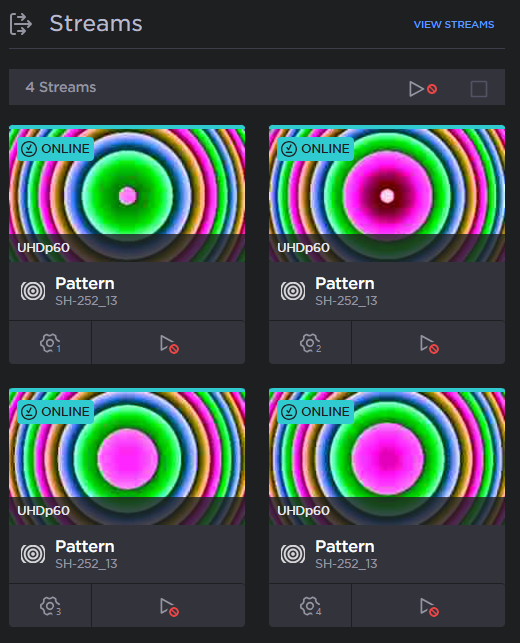
When you return to the dashboard, four streams now appear: