
Enabling/Disabling IPv6 on Cellular Modems

When enabled, IP protocol version of the connection is shown in the Networks section.

Unit Panel
From the Home menu, tap
 >
>  .
.Toggle the IPv6 cellular modems field on or off to enable or disable IPv6.
Web Interface
From the Web Interface, in the sidebar click Settings > System.
In the Preferences section, toggle IPv6 Cellular Modems on or off to enable or disable IPv6.
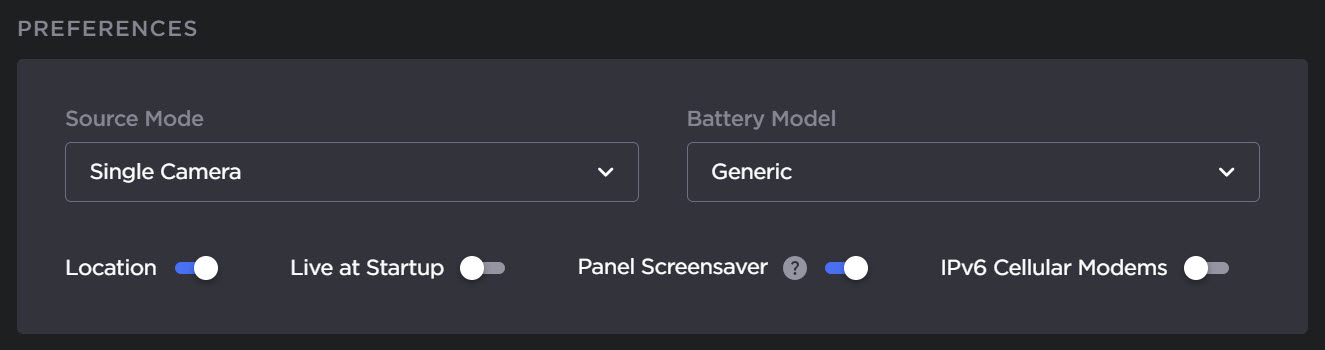
IPv6 toggle