Locating the Unit
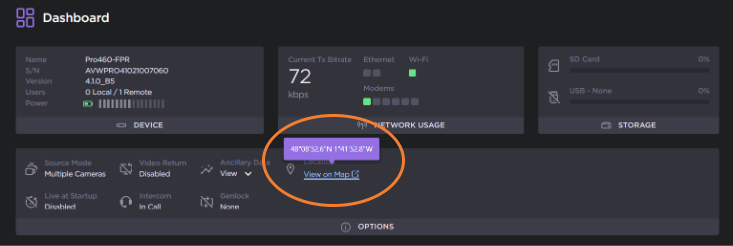
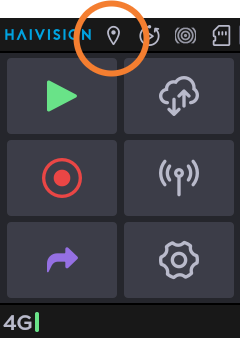
When the option is enabled, you can check the location information of the device either from the Unit Panel or from the Web Interface.
Unit Panel
Web Interface
When hovering the "View on Maps" message, a tooltip displays latitude and longitude, expressed in Degree, Minutes, Seconds followed by North (N) or South (S), and East (E) or West (W).

Note
When the unit can connect to Internet, you can click on View on Maps to open a web page with a location page.