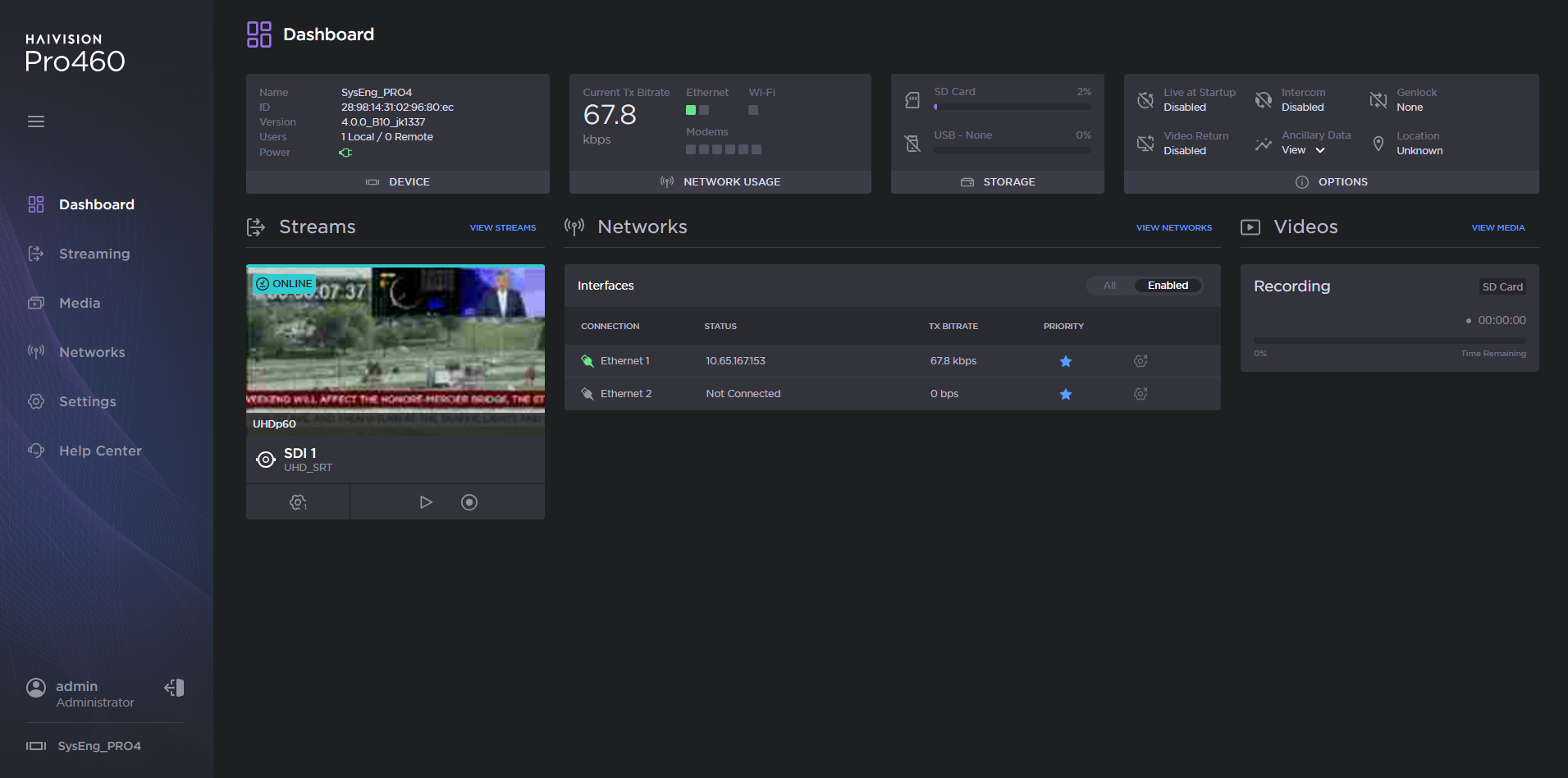
Ethernet Connection

Note
Default credentials are provided by the Important Notice Card delivered with the unit.
From the unit panel Home menu, tap
 . The screen displays the IP address assigned to the unit (by default in DHCP mode).
Launch a web browser on your computer and enter the unit IP address and append "
:8888" to it. Example:10.50.1.139:8888
The sign-in screen opens:
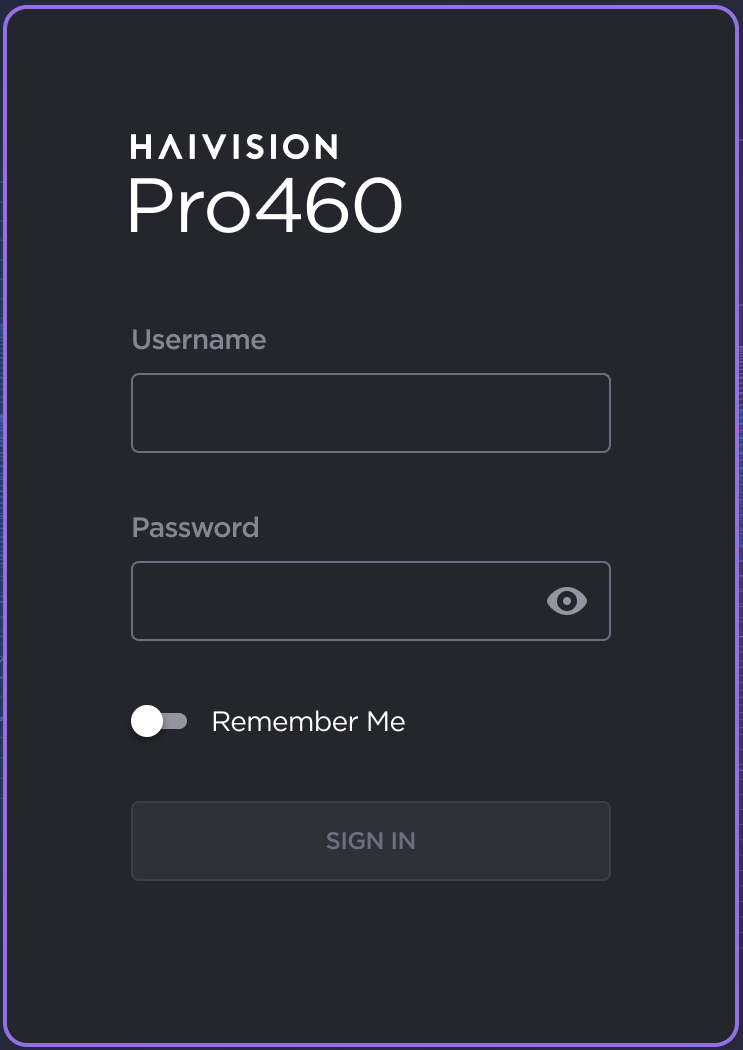
Pro 460 Sign In Screen
Enter the username and password.
If this is your first sign-in to the transmitter, you are prompted to change the default password. Enter a new password following the recommendations in the New Password field and click the Change button.
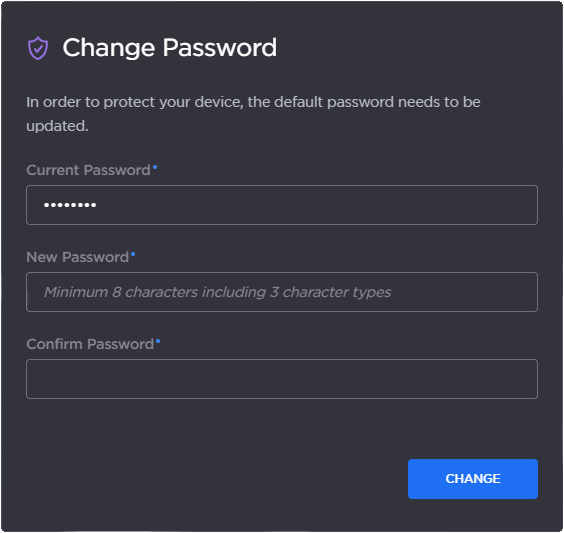
Change Password
The web interface opens: