Configuring a Destination Profile
To configure a destination profile:
Tap
 and
and  to access the Destination Profile Config menu. By default no profile exists.
Tap
 to create a destination profile.
Tap the Profile Name field.
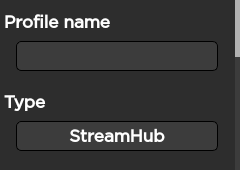
Use the keyboard to enter the new Profile Name.
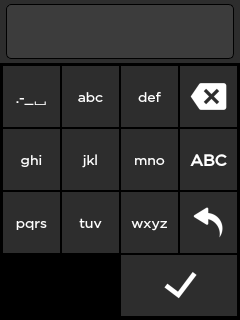
Tap
 .
.Tap
 to configure the profile settings.
Select StreamHub as Host type and set the corresponding IP address.
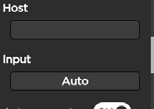
Tap
 to save the new Destination Profile.