
Changing the Web Interface Password
To change the web interface password:
In the sidebar, click Settings.
Click the Security tab.
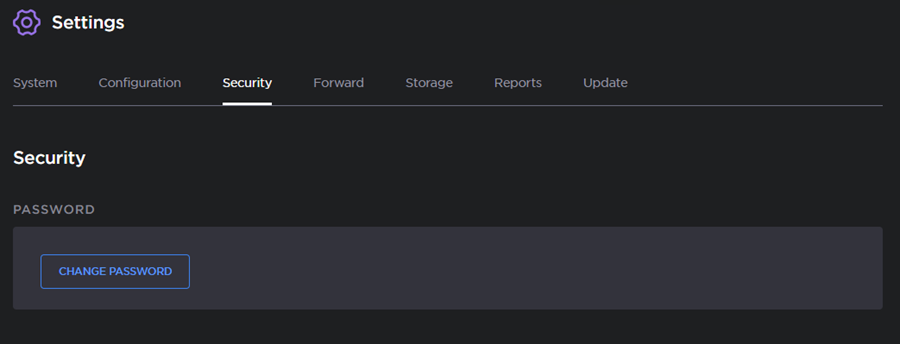
Security Options
Click the Change Password button.
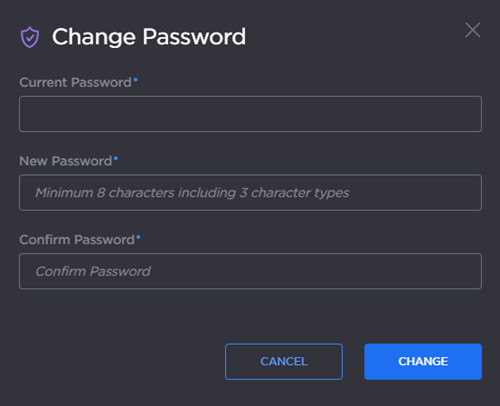
Password Change Fields
Enter the current password and the new password in the appropriate fields.
Click the Change button.