
Deleting a Live Profile
To delete a Live Profile from the Unit Panel or from the Web Interface, see the tabs below.
From the Home menu, tap
 >
>  .
.Tap
 to display the profile to delete.
Tap and hold the profile to delete.
Tap YES to confirm the profile deletion.
In the sidebar, click Streaming > Live.
Check the checkboxes next to the live profiles you wish to delete.
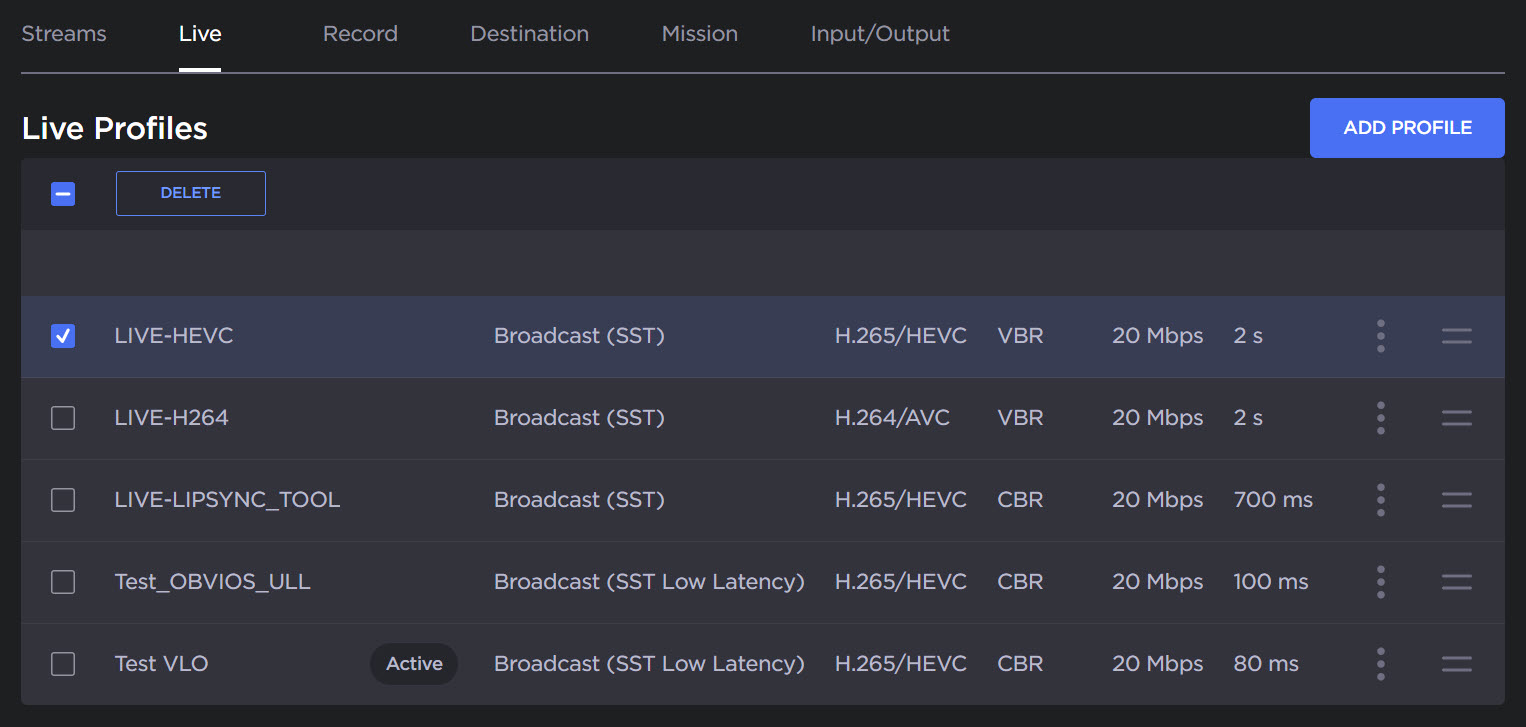
Delete Multiple Profiles
Click the Delete button.

Note
To reorder the profiles, drag and drop them using the drag icon  .
.