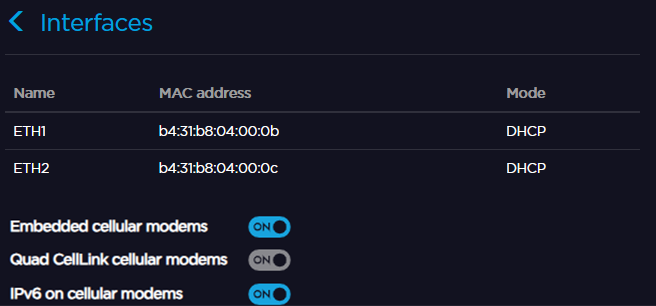
Enabling / Disabling all Quad CellLink Cellular Modems
Connect a QUAD CellLink to the unit to enable cellular networks. See Connecting a Quad CellLink to the Unit.
From the Home menu, click on

 .
.In the QUAD CellLink cellular modems field, click on
 or
or  to enable or disable all Quad CellLink modems.
From the Web Interface, click Network > Interfaces.
In the QUAD CellLink cellular modems field, click
 or
or  to enable or disable embedded modems.