Selecting a Predefined APN
If the SIM card operator is registered in the unit's database, the unit automatically assigns a name and an APN.
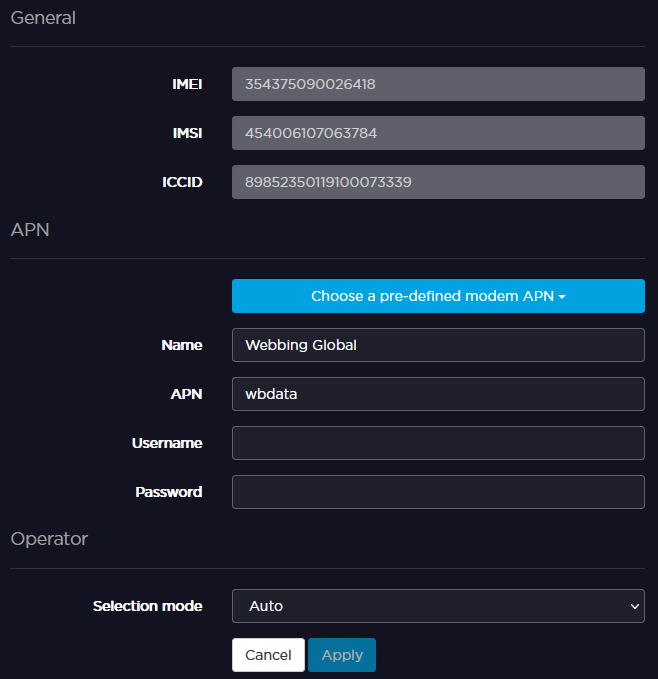
If the APN assigned is not relevant, you can select another one within a predefined list, or configure a new one.
See the sections below.
From the Home menu, click on
 > MOD >
  >
>  .
.Use the arrows to browse APNs and press the screen to select one.
Enter the password and click on
 .
.
From the Home menu, click on an active modem.
Click on Choose a pre-defined modem APN and select the expected APN from the list, then click Apply.