Ethernet Connection
From the unit panel Home menu, select
 . The screen displays the IP address assigned to the unit (by default in DHCP mode).
Launch a web browser on your computer and enter the unit IP address and append "
:8888" to it. Example:10.50.1.139:8888
The login screen opens:
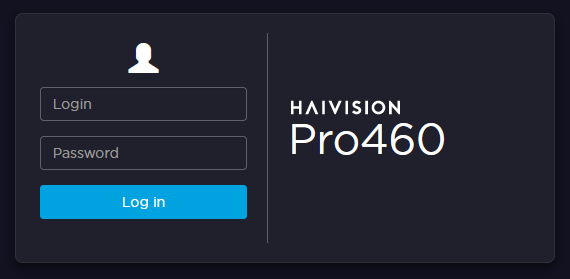
Enter the login and password.

Important
It is highly recommended to modify the default password.
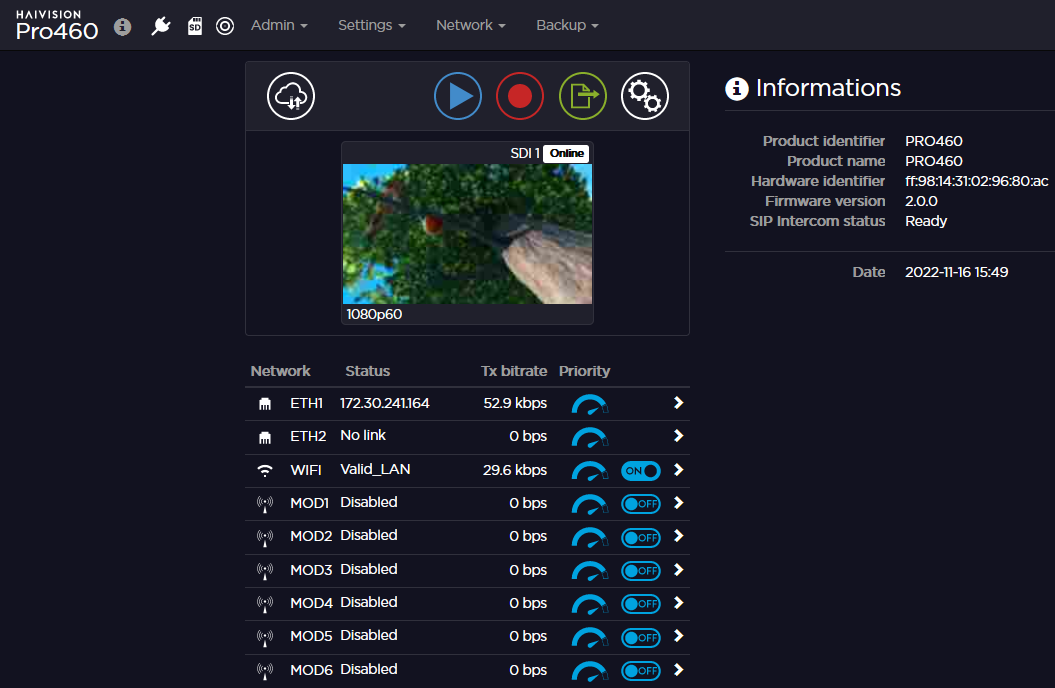
The web interface opens: