
Changing the Web Interface Password
To change the web interface password:
Click Admin > Password.
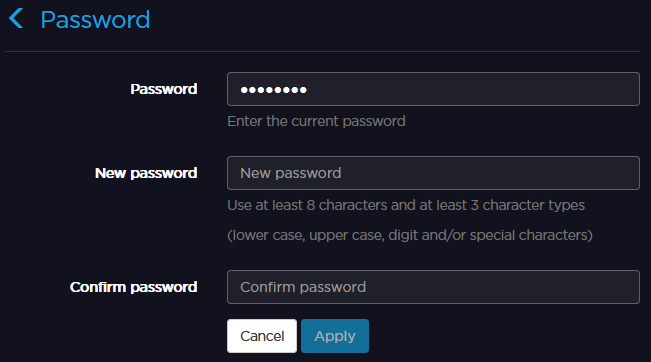
Enter the current password.
Enter the new password.
Confirm the new password.
Click Apply.
To change the web interface password:
Click Admin > Password.
Enter the current password.
Enter the new password.
Confirm the new password.
Click Apply.